
You Can Now Jailbreak iOS 16.4.1 with Palera1n 2.0.0 Beta 6
Codenamed Bakepale, the latest v2.0.0 beta 6 update to jailbreak tool Palera1n has just been released, which fully supports iOS 16.4 - iOS 16.4.1 jailbreak.
Before you begin to read, this post ONLY applies to the following iPhone users:
To check your baseband, on your iPhone to go Settings > General > About and scroll the the bottom beside the title “Modem Firmware”.
If you do not have the three points above, please stop reading now.
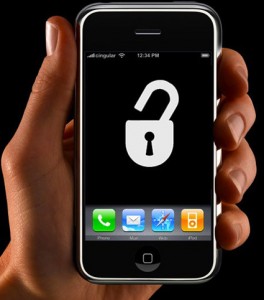
This morning the iPhone Dev Team released a quick update to their Ultrasn0w iPhone unlocking tool available in Cydia.
The update fixes an issue for iPhone users of firmware 3.1.2 and baseband 04.26 that left users without a carrier name in the upper left corner of the iPhone screen. The update brings Ultrasn0w to version 0.92 (from 0.91).
You can find the latest update in the http://repo666.ultrasn0w.com Cydia source.
For those looking for an easy jailbreak/unlock guide for the iPhone/iPod Touch, see our guide here.
Want to see more of our stories on Google?

P.S. Want to keep this site truly independent? Support us by buying us a beer, treating us to a coffee, or shopping through Amazon here. Links in this post are affiliate links, so we earn a tiny commission at no charge to you. Thanks for supporting independent Canadian media!


Good job Dev Team!
Confirmed this is addressing the issue for jailbroken 3G on 3.1.2 with 04.26 baseband. The correct carrier name is back!
Baseband: 04.26 means 04.26.08 is included?
Is it okay to update to this new ultrasn0w version (0.92) if still using 3.0?
iPhone: 3GS
Jailbroken: 3.0
Modem Firmware: 04.26.08
Yes 04.26.08
Yes. Its just a carrier name fix that has been an issue for a while… and your BB is still 04.26.08 which is what it works with.
Thanks,
I can try now!!
Thanks,
I can try now!!