UPDATE: Apparently there is a bug when using bluetooth keyboard/mouse in conjunction with AirLock, read below:
Regarding Airlock’s incompatibilities with Bluetooth keyboards and mice:
Rich Kubota at Apple updated us again today on our situation. He said that the wireless keyboard and mouse connection-loss issue is due to a bug in the Bluetooth firmware made by Broadcom, Apple’s current Bluetooth chipset manufacturer. He said that Broadcom is currently the holdup because Apple must wait for them to fix the firmware before publishing it as a software update.
Unfortunately, when we inquired about an estimated time until the firmware update would be available, Mr. Kubota could only tell us that “Apple makes no comments as to future plans.” He did say, though, that Broadcom is already working on the problem.
We appreciate your patience in this matter, and will continue updating this page as information becomes available. If you have any questions, please don’t hesitate to contact us at support@themha.com.
—
I recently had the pleasure of testing out a new app called AirLock, which allows your iPhone or iPod Touch to act as a security key for your Mac. I am constantly on the move, working out of various offices, coffee shops and schools and until the AirLock app it was always a bit of a nuisance locking my Macbook Pro when heading out to lunch or to attend a meeting.
I downloaded a neat script called Lock Desktop a while back which allows you to lock your desktop, but the problem with this app is the fact that I still have to click it. Most of the time I’m in a rush when I’m leaving my computer and over the past few months I’ve found myself forgetting to lock the screen.
Queue AirLock. In my opinion, this application is genius. After a very simple installation, you sync your Mac to your iPhone via Bluetooth, set the proximity sensor and enable the lock feature.
How does it work?
Once your iPhone or iPod touch is paired with your computer it acts as a proximity key. When you leave your desk with your iPhone or iPod Touch the computer senses that the device is no longer in range and locks the screen. When you return it sees the device and unlocks your Mac.
This is definitely one of the most innovative applications I’ve come across and I am very happy that it works as well as it does.
The app costs $7.77 and can be downloaded directly from MHA. One thing to note is that this application resides on your Mac. There is no iPhone app to install or load – another added bonus.
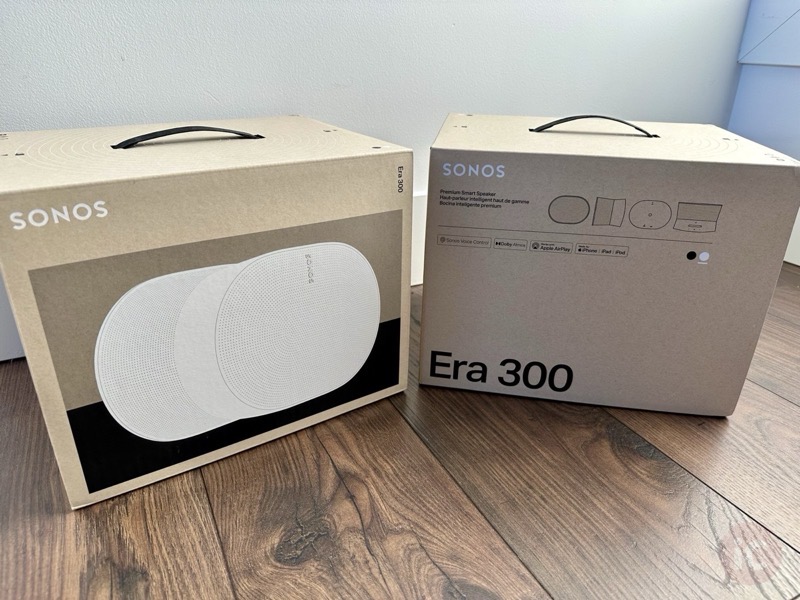
We’ve previously reviewed the Sonos Era 100 in a stereo pair set up, but now we’re getting our hands on the Era 300 in stereo pair. Just when we thought the Era 100 in a stereo pair set up was worth the upgrade from the Sonos One, these Era 300 speakers with Dolby Atmos are...