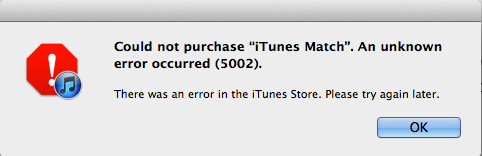
Update 1: iTunes Match shows in my iTunes sidebar, but when I attempt to purchase I get error ‘5002’. -Gary
Yesterday, we noted that iTunes Match appeared to go live in Canada with users being able to sign up for the service (within Account Settings) and see updated ‘Cloud Status’ icons appearing next to their content located in there library. Many users where reporting that the feature was not yet functioning properly.
Yesterday’s rollout appears to have been premature, as Apple has been refunding customers and notifying them that the service is currently available only in the United States and Brazil.
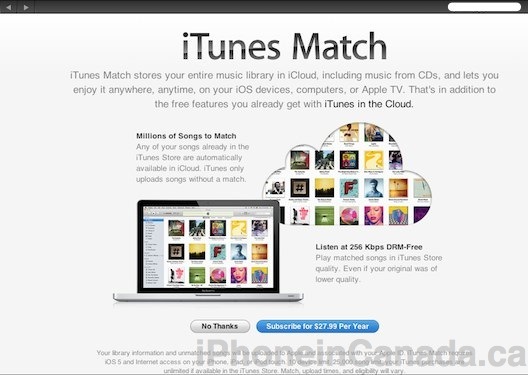
This morning a new iTunes Match rollout is happening with a link going live on the front page of the Canadian iTunes Store. It is also appearing in the left rail of iTunes.
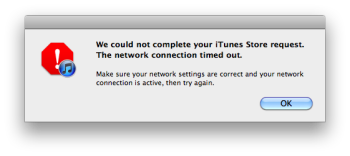
We’re getting some sign-in errors while trying to use the service, so maybe not quite everything is in place for its launch, but it’s there and should be live and fully functional very soon.
To give it a try yourself, launch the latest version of iTunes (10.5.2) and follow the onscreen instructions. Let us know in the comments how it’s working for you.
iTunes Match debuted in the United States in mid-November and expanded to Brazil earlier this week. The services will cost Canadians $27.99 CDN per year.
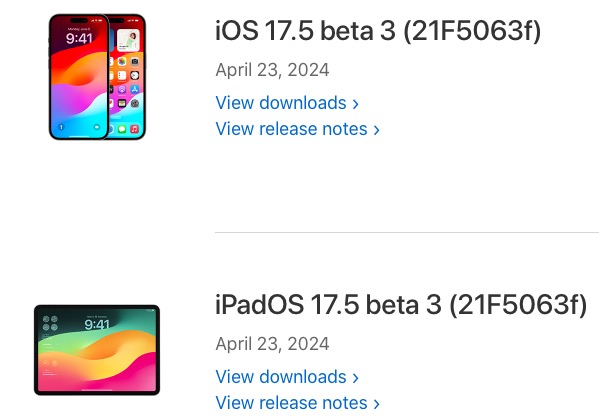
After Apple announced today a special event for May 7, likely to debut iPad updates, the company has released another round of beta software updates for developers. Available now is iOS 17.5 beta 3, alongside other equivalent builds: iOS 17.5 beta 3 iPadOS 17.5 beta 3 macOS 14.5 beta 3 tvOS 17.5 beta 3 visionOS...
In a move that has been long-awaited by iPad users, Apple is gearing up to launch a built-in Calculator app for the iPad as a key new feature of iPadOS 18.