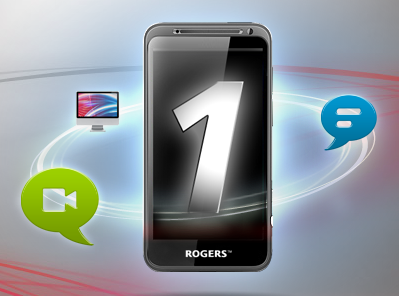
Rogers has officially announced the launch of its new Rogers One Number service, to allow customers to make free calls from their computers using their their existing number. This includes long distance to any Canadian number:
Introducing Rogers One Number. This new service exclusively from Rogers lets you talk, text and send picture messages, and video chat with other Rogers One Number users, all from your computer using your existing phone number. By using Rogers One Number, all calls to Canadian numbers, video chats with other Rogers One Number users and outgoing wireless text messages are free.
We covered the beta of Rogers One Number previously, and will have a further in-depth look at how the service works coming up soon. In the meantime, check out the promo video below:
Customers can sign up for the free service at www.rogersonenumber.ca. Are you going to use Rogers One Number?
Koodo and Virgin Plus have launched a new promo plan that’s offering 75GB of 5G speed data. All flanker brands continue to keep tweaking their plans. Just last week Koodo had plans starting at $40 with 10GB data, but that has since disappeared, along with its $45/20GB, $50/40GB and $55/60GB promo plans. Virgin has eliminated...
Looks like all wireless carriers and their flanker brands are re-working their plans, and now Fido has joined the mix. Just over a week ago Fido was only showing a $34/50GB plan, but now that has been modified as two other plans are now part of the matrix. Here’s what’s available now: $34/20GB 4G $44/50GB...
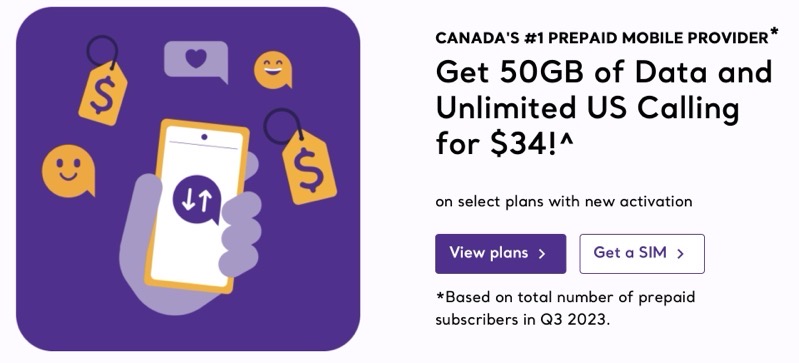
Rogers-owned prepaid brand chatr has launched new plans today, offering data bonus with auto-pay. Here’s what’s available after auto-pay 4G LTE data bonuses are applied: $29/30.5GB (500MB bonus); 10GB included bonus only for 24 months $34/52GB (2GB bonus); Canada-US talk included $40/77GB (2GB bonus); Canada-US talk included The $34 and $40 plans include unlimited Canada-US...