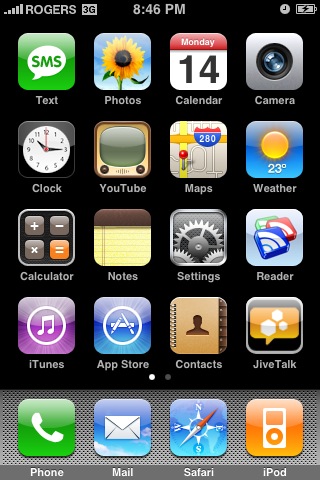
Do you ever reminisce back to the days of jailbreaking and 3rd party applications on the first gen iPhone? Whenever I wrote reviews of applications or the top iPhone optimized websites I had to take screenshots. The first program I used was ScreenShot, but then Capture ended up becoming the screenshot program of choice.
What about taking screenshots on iPhone firmware 2.0? Are there programs in the iPhone App Store? Well, forget everything because there is a screenshot taking utility built into firmware 2.0. Yes, you read that correctly. It’s not documented and when I found out about it today, I just had to come back here and tell you all about it! If you already know about this, move on outta here. If you’re getting excited, keep on reading.
How to Take a Screenshot on iPhone 3G
1. Hold down HOME button, then quickly press the SLEEP/WAKE button on the top right of the phone. You’ll see a quick white “flash” that will fade in and out. This confirms the screenshot was taken.
2. Go to your Camera Roll and VOILA! Your screenshot will be there. Email away to your jealous friends–enjoy! Here’s a screenshot of my current homescreen:
These guys at BlendTec have mastered the art of the viral YouTube video by blending anything they can get their hands on (think: hammers, hockey pucks, magnets, young children, animals, etc). Well, I expected they would follow through with their iPhone 3G edition and they sure did. Check out the video below and get ready to GASP:
In case you missed it, here’s the original Will it Blend video featuring our beloved first generation iPhone:
iPhone 3G update: Going to test my iPhone today with a full battery charge and see how far I can get with it. Also, will watch a few YouTube videos (maybe a lot) to see how much data I’ll really go through. With the 6GB monthly plan, we can allocate 200MB/day. That’s a lot of data! I’ll let you know my results.
For those who have managed to shag an iPhone 3G, what are your impressions so far?
**Looking for an iPhone 3G case? Go get an invisibleSHIELD, the strongest protection for your iPhone backed by a 30 day moneyback guarantee, lifetime replacement warranty, and FREE shipping! Order today!**
If you enjoyed this post, please subscribe to my RSS feed, so you won’t miss any updates! You can also subscribe via email and have daily updates sent to your Inbox! Want more? Find out what I’m doing right now! Follow me on Twitter!
Today kicks off the 2024 NHL playoffs as 16 teams battle it out for the Stanley Cup, with playoff hockey marking the best time of the year for fans, especially since we have four Canadian teams in the postseason this year. How to watch and stream the 2024 NHL playoffs in Canada? You’ll be able...
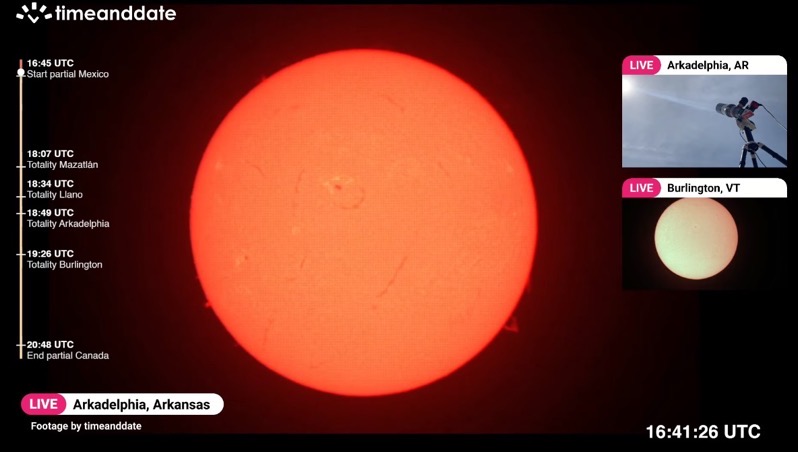
Today is the day where a once-in-a-lifetime event will take place with a total solar eclipse, where the moon will pass by in front of the sun and cast its shadow (umbra) on Earth. In order to see the total solar eclipse live, you’ll need to be in a location where the path of totality...
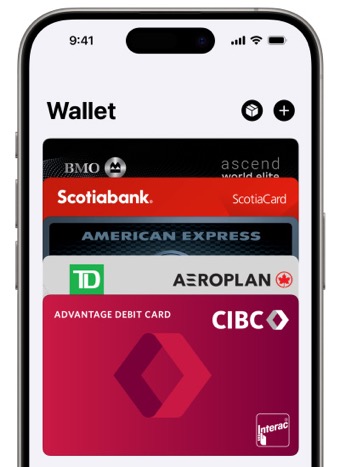
Last month, when we wrote about Ontario debuting its One Fare program, we noted that PRESTO Apple Wallet support was still missing in action on the TTC. But despite the lack of official PRESTO card support in Apple Wallet on the iPhone, it’s still possible to use the latter to tap to pay—without unlocking your...