You gotta love the Mail application on the iPhone. Coupled with Gmail and IMAP, it is one powerful way to sync emails no matter where you’re accessing your email account. If you’re not using Gmail and IMAP, you are missing out big time.
A New Tip From Google: Turn the Trashcan Icon into Archive within Mail
Most people have setup their Gmail with IMAP (including myself) by doing the following: just tapping the large Gmail icon in Mail during setup. This option means that your trashcan icon will delete your email.
However, if you’re a hardcore Gmail junkie, you probably archive your mail by selecting Mailboxes, then All Mail. This takes time of course! By following the video below (posted yesterday by the Gmail team), you can now configure Mail so the trashcan icon will archive your mail, saving you boatloads of time. Check it out:
You’ll notice a new label called “Deleted Messages” in your labels but all emails will be within All Mail and searchable. Thanks Gmail team!
Today kicks off the 2024 NHL playoffs as 16 teams battle it out for the Stanley Cup, with playoff hockey marking the best time of the year for fans, especially since we have four Canadian teams in the postseason this year. How to watch and stream the 2024 NHL playoffs in Canada? You’ll be able...
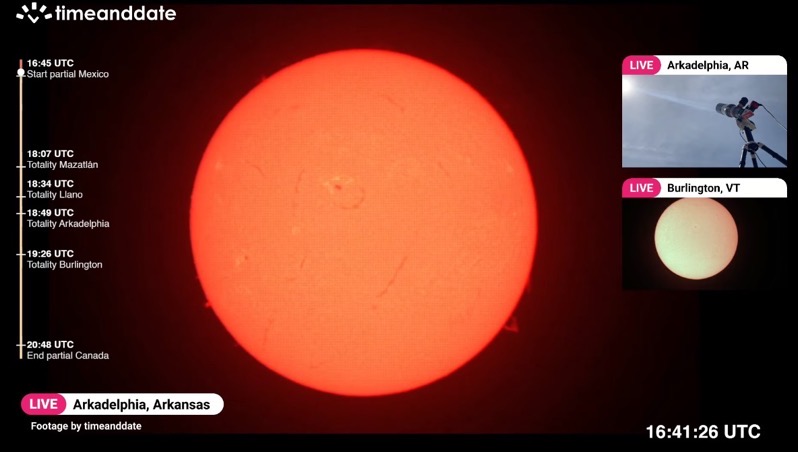
Today is the day where a once-in-a-lifetime event will take place with a total solar eclipse, where the moon will pass by in front of the sun and cast its shadow (umbra) on Earth. In order to see the total solar eclipse live, you’ll need to be in a location where the path of totality...
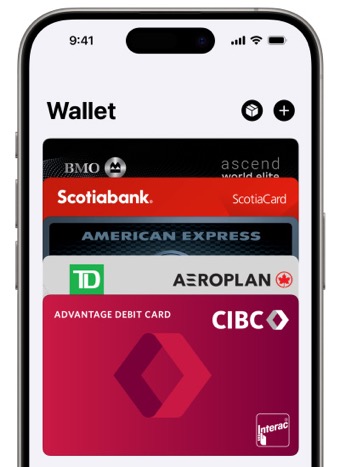
Last month, when we wrote about Ontario debuting its One Fare program, we noted that PRESTO Apple Wallet support was still missing in action on the TTC. But despite the lack of official PRESTO card support in Apple Wallet on the iPhone, it’s still possible to use the latter to tap to pay—without unlocking your...