

1Password Now Lets Claude Log In For You. It Never Actually Sees Your Passwords.
Artificial intelligence is starting to do more than just answer questions. These days, AI agents can handle chores for you like shopping online or updating your accounts. The catch has always been security, because handing your login details over to a machine is a risky move. Now, Toronto-based 1Password has built a way around that...


Doesn’t work. Says the folder can’t be found.
Put a slash before Library and it will work.
Oops, missed the slash initially (my bad)…added now 🙂
Old. This at least existed back to Lion.
Also, I believe that retina displays for coming to the Mac desktop. Mavericks includes wallpapers double the size of my 27-in iMac: 5120×2880!!!
Don’t really get why I got a vote down, but, hey, can’t please everyone! 😀
these are not new to Mavericks. I have had these since Mountain Lion
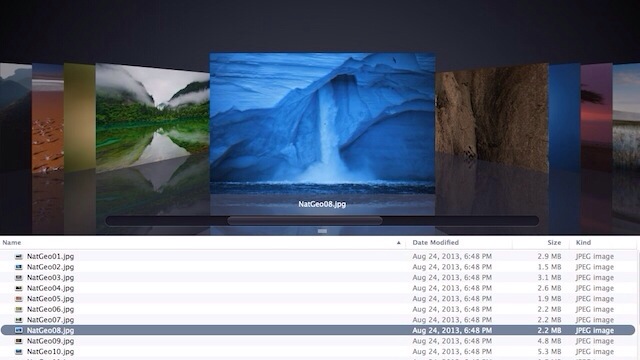
They’re not “Hidden” they’re used in the National Geographic screensaver…