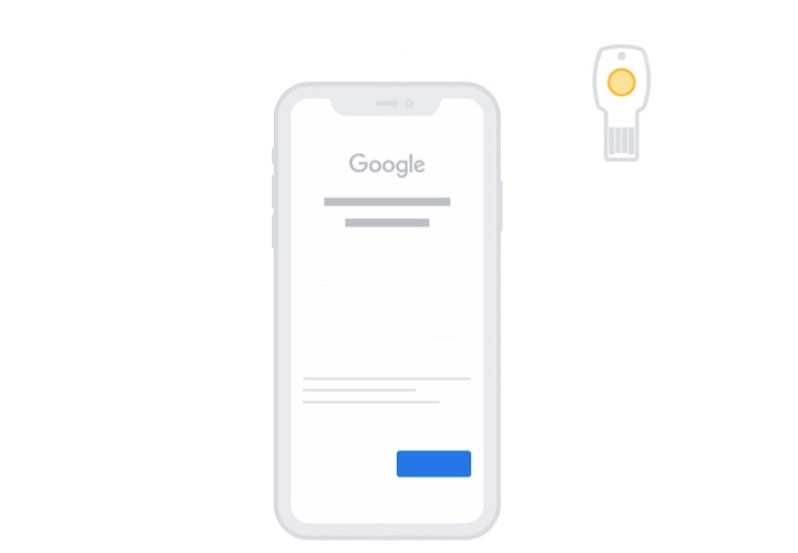
Google has announced it has enabled native support for the W3C WebAuthn implementation for Google Accounts on Apple’s iOS devices running iOS 13.3 and above, for both personal and work accounts.
What does this mean? Google Accounts can now sign-in on an iOS device with more security keys as part of the Advanced Protection Program.
Today’s announcement means you can now use the following security keys on iOS devices running iOS 13.3 or later:
- USB-A and Bluetooth Titan Security Keys with NFC (you can just tap the back of your iPhone)
- Lightning security keys: YubiKey 5Ci or any USB security key
- USB-C security keys directly into an iPad Pro
Google says, “we suggest installing the Smart Lock app in order to use Bluetooth security keys and your phone’s built-in security key, which allows you to use your iPhone as an additional security key for your Google Account.”
The announcement today builds on Apple’s added support for security keys with iOS 13.3, including FIDO2-compliant USB-C, NFC, and Lightning security keys.


