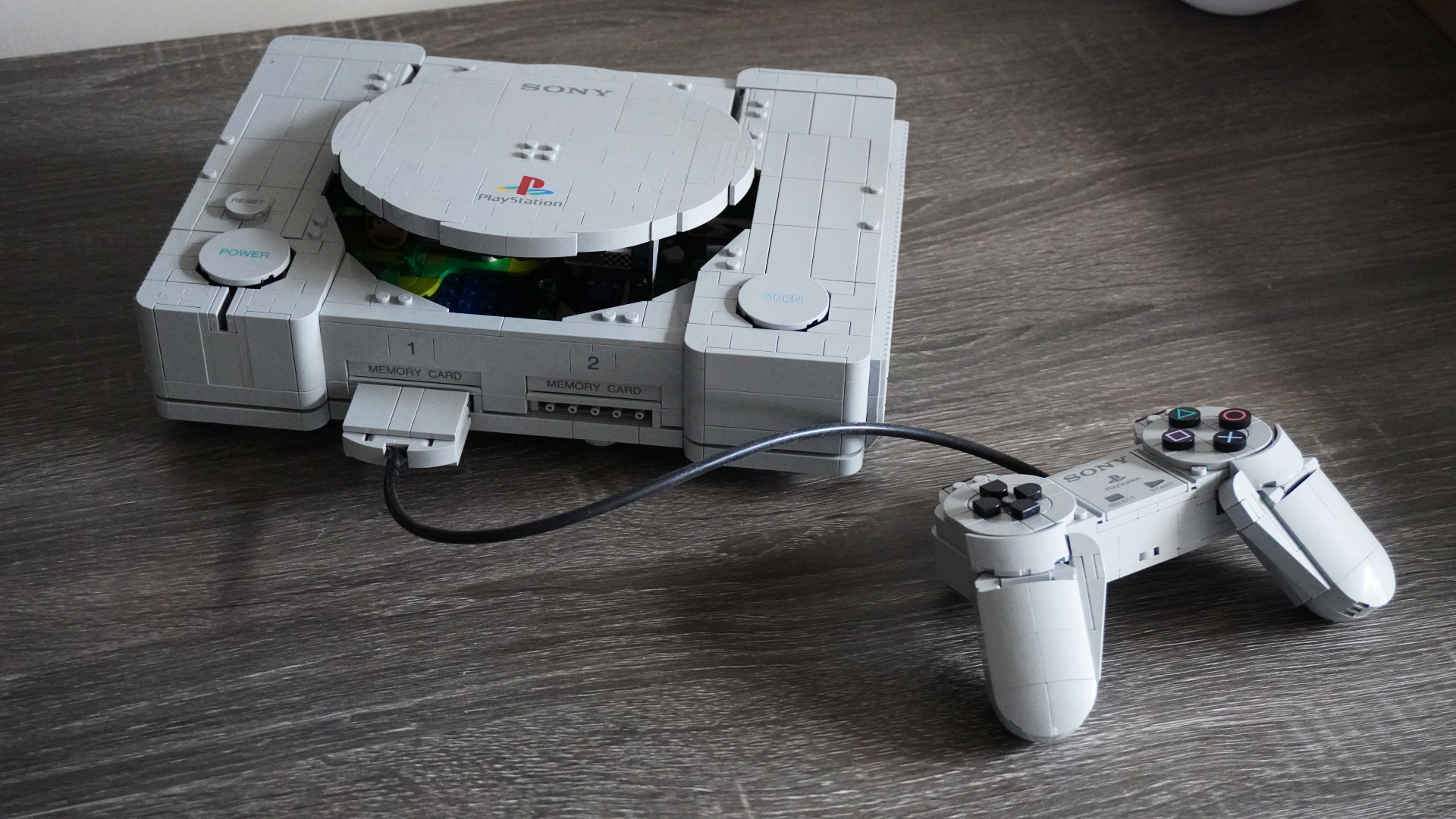
LEGO PlayStation Review: An Intricate Homage to a Classic Console
LEGO has recreated the original PlayStation and it's easily one of the company's more interesting sets this year.
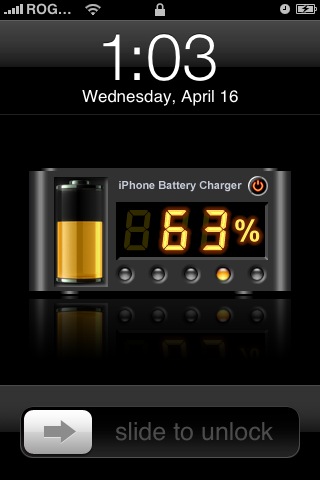
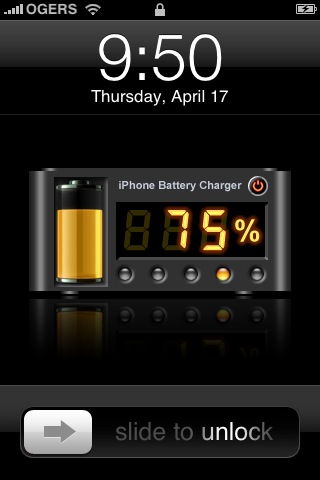
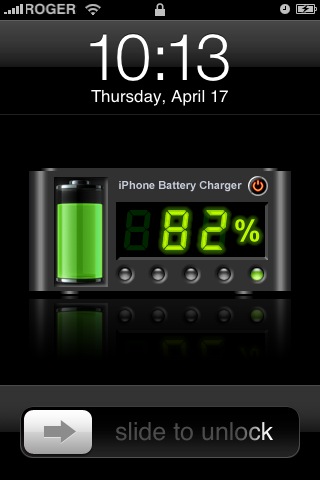
Are you tired of your boring battery status screen when your iPhone is charging? Want a more accurate account of the charging process?
A solution is now here! Reinhold Penner from AlohaSoft has created Aqwoah Battery, which enables you to see a percentage indicator on your iPhone when it charges.
How to Install Aqwoah Battery on your iPhone
Step One: Launch Installer. Go to Install. Choose the Tweaks Category.
Step Two: Install Aqwoah Battery (this is version 1.2). Restart the Springboard by pressing the Home button. Now, when you charge your iPhone the status screen should be different, and look like some of the following pics:
If you enjoyed this post, please subscribe to my RSS feed, so you won’t miss any updates! You can also subscribe via email and have daily updates sent to your Inbox!
Want to see more of our stories on Google?

P.S. Want to keep this site truly independent? Support us by buying us a beer, treating us to a coffee, or shopping through Amazon here. Links in this post are affiliate links, so we earn a tiny commission at no charge to you. Thanks for supporting independent Canadian media!


Excellent! Been waiting to hear about something like this.
Thanks
I don’t think its that accurate… I’ve tried it and its a series of pictures having different preset numbers and its no showing the accurate percentage… That’s what I think 😉
BUT, the idea and the graphics are excellent…. Thanks
how can i get my original charging logo by apple back?
i installed one from the installer but i dont like it anymore.
fortunally i cant find it in winterboard.
can anyone help me please? 🙂
Excellent! Been waiting to hear about something like this.
Thanks
Excellent! Been waiting to hear about something like this.
Thanks
I don’t think its that accurate… I’ve tried it and its a series of pictures having different preset numbers and its no showing the accurate percentage… That’s what I think 😉
BUT, the idea and the graphics are excellent…. Thanks
I don’t think its that accurate… I’ve tried it and its a series of pictures having different preset numbers and its no showing the accurate percentage… That’s what I think 😉
BUT, the idea and the graphics are excellent…. Thanks
I don’t think its that accurate… I’ve tried it and its a series of pictures having different preset numbers and its no showing the accurate percentage… That’s what I think 😉
BUT, the idea and the graphics are excellent…. Thanks
how can i get my original charging logo by apple back?
i installed one from the installer but i dont like it anymore.
fortunally i cant find it in winterboard.
can anyone help me please? 🙂
how can i get my original charging logo by apple back?
i installed one from the installer but i dont like it anymore.
fortunally i cant find it in winterboard.
can anyone help me please? 🙂
how can i get my original charging logo by apple back?
i installed one from the installer but i dont like it anymore.
fortunally i cant find it in winterboard.
can anyone help me please? 🙂