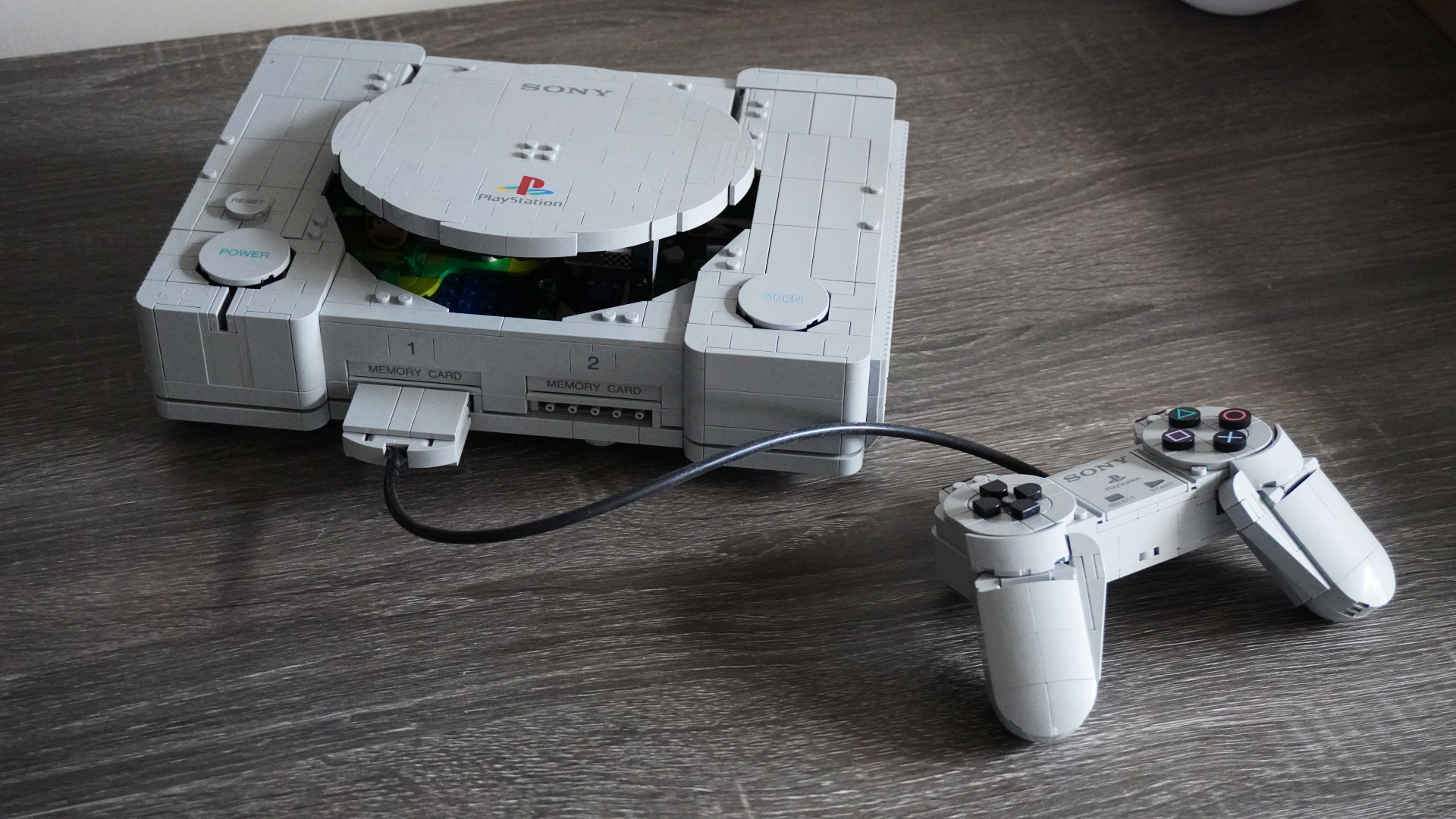
LEGO PlayStation Review: An Intricate Homage to a Classic Console
LEGO has recreated the original PlayStation and it's easily one of the company's more interesting sets this year.
UPDATE: Apparently there is a bug when using bluetooth keyboard/mouse in conjunction with AirLock, read below:
—
I recently had the pleasure of testing out a new app called AirLock, which allows your iPhone or iPod Touch to act as a security key for your Mac. I am constantly on the move, working out of various offices, coffee shops and schools and until the AirLock app it was always a bit of a nuisance locking my Macbook Pro when heading out to lunch or to attend a meeting.
I downloaded a neat script called Lock Desktop a while back which allows you to lock your desktop, but the problem with this app is the fact that I still have to click it. Most of the time I’m in a rush when I’m leaving my computer and over the past few months I’ve found myself forgetting to lock the screen.
Queue AirLock. In my opinion, this application is genius. After a very simple installation, you sync your Mac to your iPhone via Bluetooth, set the proximity sensor and enable the lock feature.

How does it work?
Once your iPhone or iPod touch is paired with your computer it acts as a proximity key. When you leave your desk with your iPhone or iPod Touch the computer senses that the device is no longer in range and locks the screen. When you return it sees the device and unlocks your Mac.
This is definitely one of the most innovative applications I’ve come across and I am very happy that it works as well as it does.
The app costs $7.77 and can be downloaded directly from MHA. One thing to note is that this application resides on your Mac. There is no iPhone app to install or load – another added bonus.
I rate this app a solid 4.9/5 [christopheraceto]
Want to see more of our stories on Google?

P.S. Want to keep this site truly independent? Support us by buying us a beer, treating us to a coffee, or shopping through Amazon here. Links in this post are affiliate links, so we earn a tiny commission at no charge to you. Thanks for supporting independent Canadian media!


Has anyone tried to connect through LogMeIn to a computer that's been locked with this app?
Cool review dude!
Wow. I love the simplest solutions to life's problems. Great review.
Thanks for the review. 'Will work for iPhone/Mac users. Now, what I need is a Mac….any chance of Windows version?
Thanks for the review. 'Will work for iPhone/Mac users. Now, what I need is a Mac….any chance of Windows version?
Wow. I love the simplest solutions to life's problems. Great review.
Cool review dude! Sounds like a handy app.