
Apple’s AirPort Utility App is Being Removed From the App Store
Apple warns that "functionality is not guaranteed" when using AirPort Utility on iOS 27 or later.

Christmas is arriving around the world as we speak. Santa is in full swing delivering iGifts to well-behaved children and adults. Want to track Santa on your iPhone? It’s easy and incredibly fun thanks to Google Maps and Boxcar.
How to Track Santa on your iPhone
With Google Maps: Type in “Santa” and click search. BAM!
With Boxcar: Got to “Add a Service” and select “Santa Updates”. Click Save.
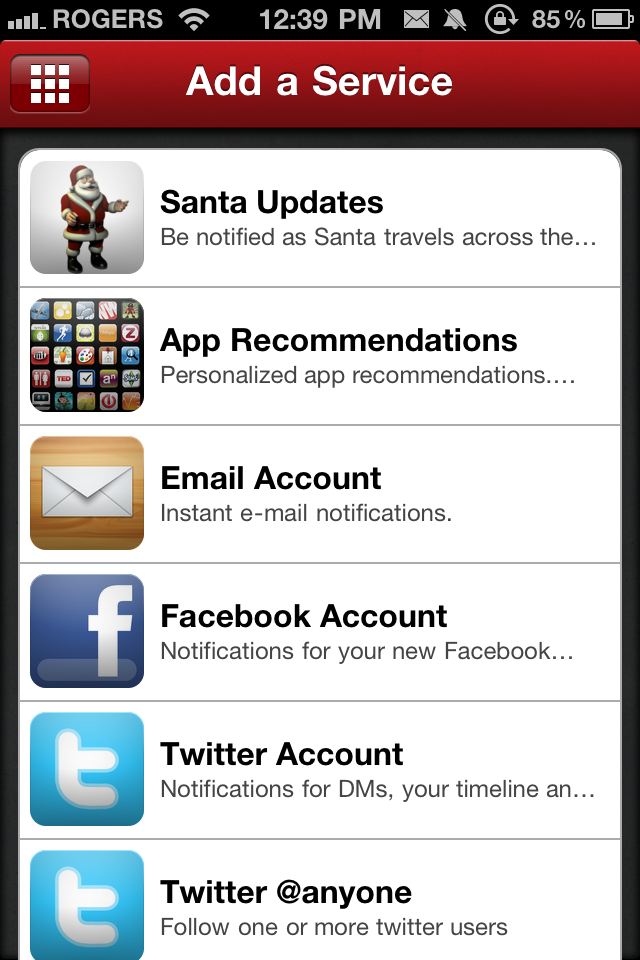
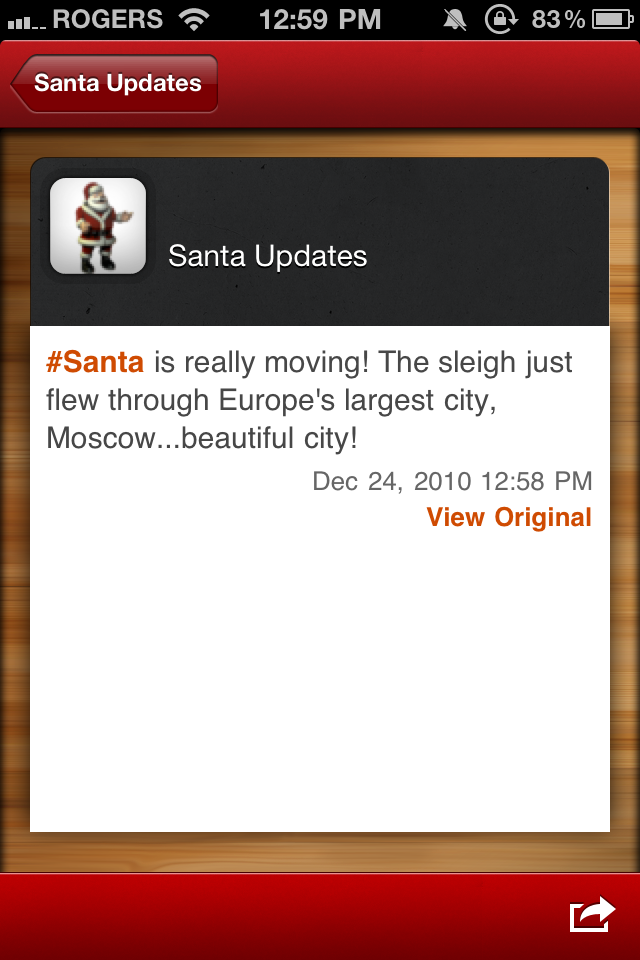
Google Maps will show you exactly where Santa is on the map, and Boxcar will send you periodic updates where Santa has arrived at. It’s a great service if you have kids or little friends/family members.
Happy Santa tracking!
Want to see more of our stories on Google?

P.S. Want to keep this site truly independent? Support us by buying us a beer, treating us to a coffee, or shopping through Amazon here. Links in this post are affiliate links, so we earn a tiny commission at no charge to you. Thanks for supporting independent Canadian media!

