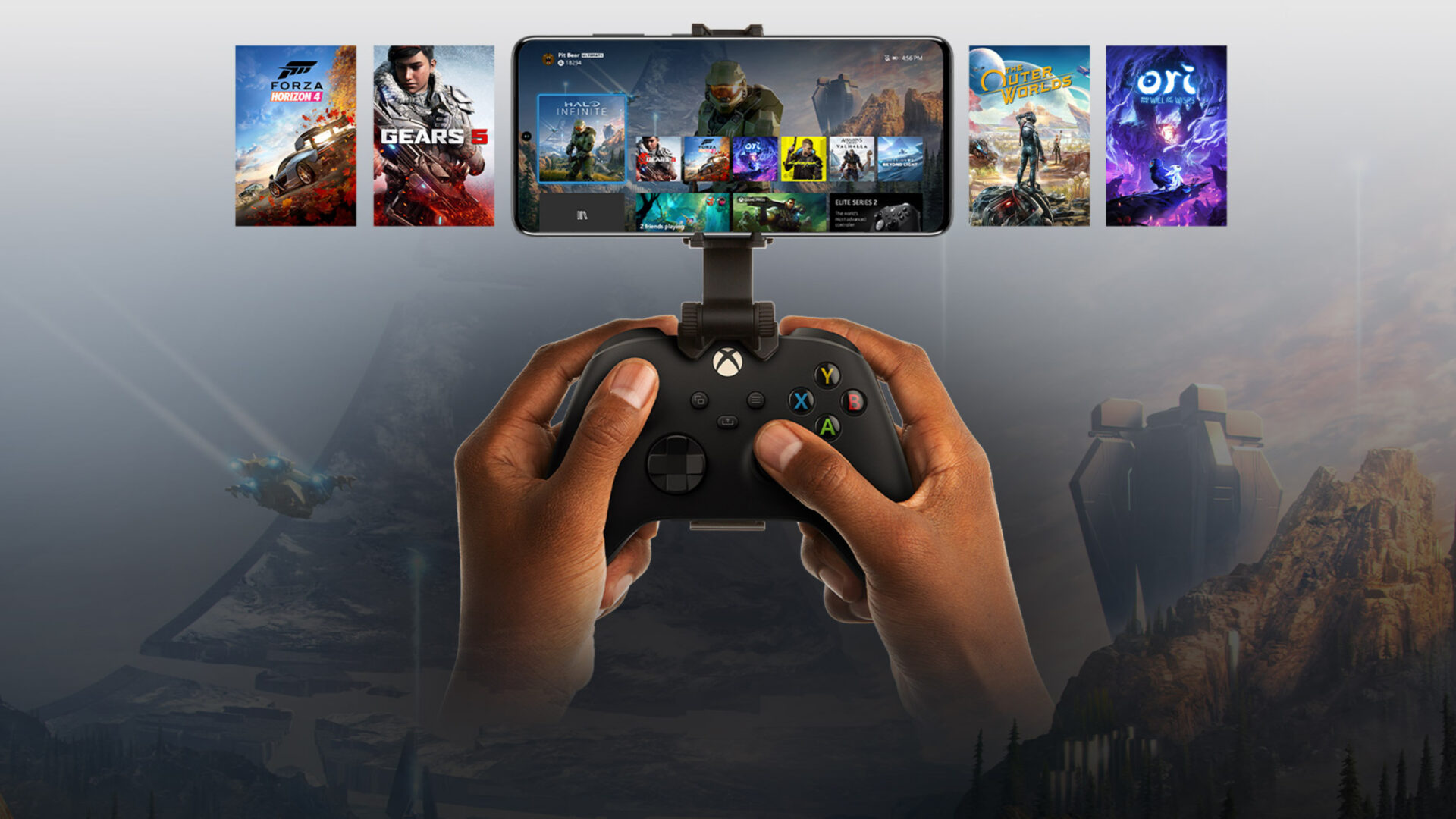
Four New Owned Games Available to Stream Via Xbox Cloud Gaming
Microsoft has added four new titles to Xbox's ever-expanding "Stream your own games library" for Xbox Cloud Gaming including Bloodstained: Ritual of the Night.
This week, Fido completed another update, just minor bug fixes, to their free “My Account” iPhone application. Oddly enough, there is still no Retina Display support for the iPhone 4.
The “My Account” app enables Fido customers to view the amount of minutes, data and messages that they have used so far in the month, the amount of remaining usage for the month and how many minutes/data/messages their plan includes per month.
The app further allows users to view the amount of their current and last month invoice and also pay for the current invoice via credit card.
A few things to note:
1.)Â The app does not support Corporate Paid/Reimbursed Accounts.
2.)Â The app does not support Prepaid accounts.
3.)Â You must have a data plan with Fido, whether contracted or not.
4.)Â You must be on 3G or EDGE for the apps to retrieve your account information. If you are on WiFi, you will have to turn WiFi off and connect to 3G or EDGE.
The Fido My Account app is available on the iTunes App Store for free.
Want to see more of our stories on Google?

P.S. Want to keep this site truly independent? Support us by buying us a beer, treating us to a coffee, or shopping through Amazon here. Links in this post are affiliate links, so we earn a tiny commission at no charge to you. Thanks for supporting independent Canadian media!


My Rogers app works perfect with my corporate account
My Rogers app works perfect with my corporate account
My Rogers app works perfect with my corporate account
Why is Telus not offering such an App? They are the only ones out there that don’t have an iPhone app!
Why is Telus not offering such an App? They are the only ones out there that don’t have an iPhone app!
I don’t see any updates available
I don’t see any updates available
I don’t see any updates available
lol why would you need retina support for an app like that?
I think it’s because they’re a bunch of morons. Just a hunch, though.
I think it’s because they’re a bunch of morons. Just a hunch, though.
I think it’s because they’re a bunch of morons. Just a hunch, though.
Need? No. Want? Why wouldn’t you?
Nop you’ve got it right, morons…
Nop you’ve got it right, morons…
Nop you’ve got it right, morons…
at least the goddamn app icon. I have to hide this one in a folder its so freakin ugly. I hate when lazy app developers don’t care about this stuff.
at least the goddamn app icon. I have to hide this one in a folder its so freakin ugly. I hate when lazy app developers don’t care about this stuff.
at least the goddamn app icon. I have to hide this one in a folder its so freakin ugly. I hate when lazy app developers don’t care about this stuff.
I see no update either…
I see no update either…
I see no update either…
this Rogers App is absolutely useless if the damn counter doesn’t reset until 2 weeks after the end of your billing cycle. i’ve called Rogers numerous times but to no avail, they have not been able to resolve the problem.Â
this Rogers App is absolutely useless if the damn counter doesn’t reset until 2 weeks after the end of your billing cycle. i’ve called Rogers numerous times but to no avail, they have not been able to resolve the problem.Â
this Rogers App is absolutely useless if the damn counter doesn’t reset until 2 weeks after the end of your billing cycle. i’ve called Rogers numerous times but to no avail, they have not been able to resolve the problem.Â
this Rogers App is absolutely useless if the damn counter doesn’t reset until 2 weeks after the end of your billing cycle. i’ve called Rogers numerous times but to no avail, they have not been able to resolve the problem.Â
this Rogers App is absolutely useless if the damn counter doesn’t reset until 2 weeks after the end of your billing cycle. i’ve called Rogers numerous times but to no avail, they have not been able to resolve the problem.Â