
How to Use Mail on Your Mac [VIDEO]
Apple has shared a new tutorial detailing how you can use the Mail app on your Mac, including how to add an account, send an email, and more.
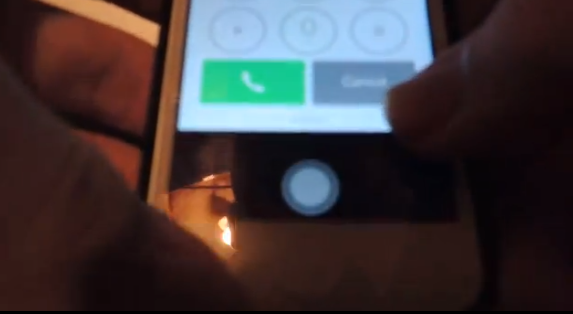
It’s a new day and this time around it’s time for another iOS 7.0.2 lock screen bug which will allow any call from the emergency screen. This bug is different from the one we showed you a couple days earlier, which involved swiping notifications, and is also trickier to achieve.
This bug involves the Camera shortcut to help you make any call from the Emergency screen, as first noted by MacDailyNews. We were able to independently confirm this bug a couple times on an iPhone 5s running iOS 7.0.2.
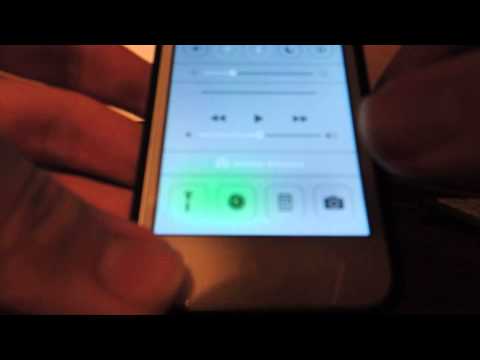
From our counts, this is the third iOS 7.0.2 lock screen bug which will allow any call from the Emergency screen. Apple is rumoured to release iOS 7.0.3 soon to address bug fixes (which most likely will involve these call exploits) and ongoing iMessage sending delays.
Let us know if you are able to reproduce this bug!
Want to see more of our stories on Google?

P.S. Want to keep this site truly independent? Support us by buying us a beer, treating us to a coffee, or shopping through Amazon here. Links in this post are affiliate links, so we earn a tiny commission at no charge to you. Thanks for supporting independent Canadian media!


Or, with the default iPhone settings, I can hold down the home button, and tell Siri what number to call, and she does it. Voila.
Well she is rather helpful, she just likes you, doing you a favor. LOL. I just want them to fix the missed on the notification center. Missed calls have to be removed by going into settings and reset the toggle. There should be an x like the other parts of notification center, that right there, was a big reason I abandoned Jailbreak, because notifications and controls ended up on the lock screen. I mean they hired the guy from intelliborn, use him.
True, but for those with Siri turned off on the lock screen? I just made a 5 hour call to Nigeria on your Rogers plan, son!
This guy has too much time on his hands.