
Apple’s AirPort Utility App is Being Removed From the App Store
Apple warns that "functionality is not guaranteed" when using AirPort Utility on iOS 27 or later.
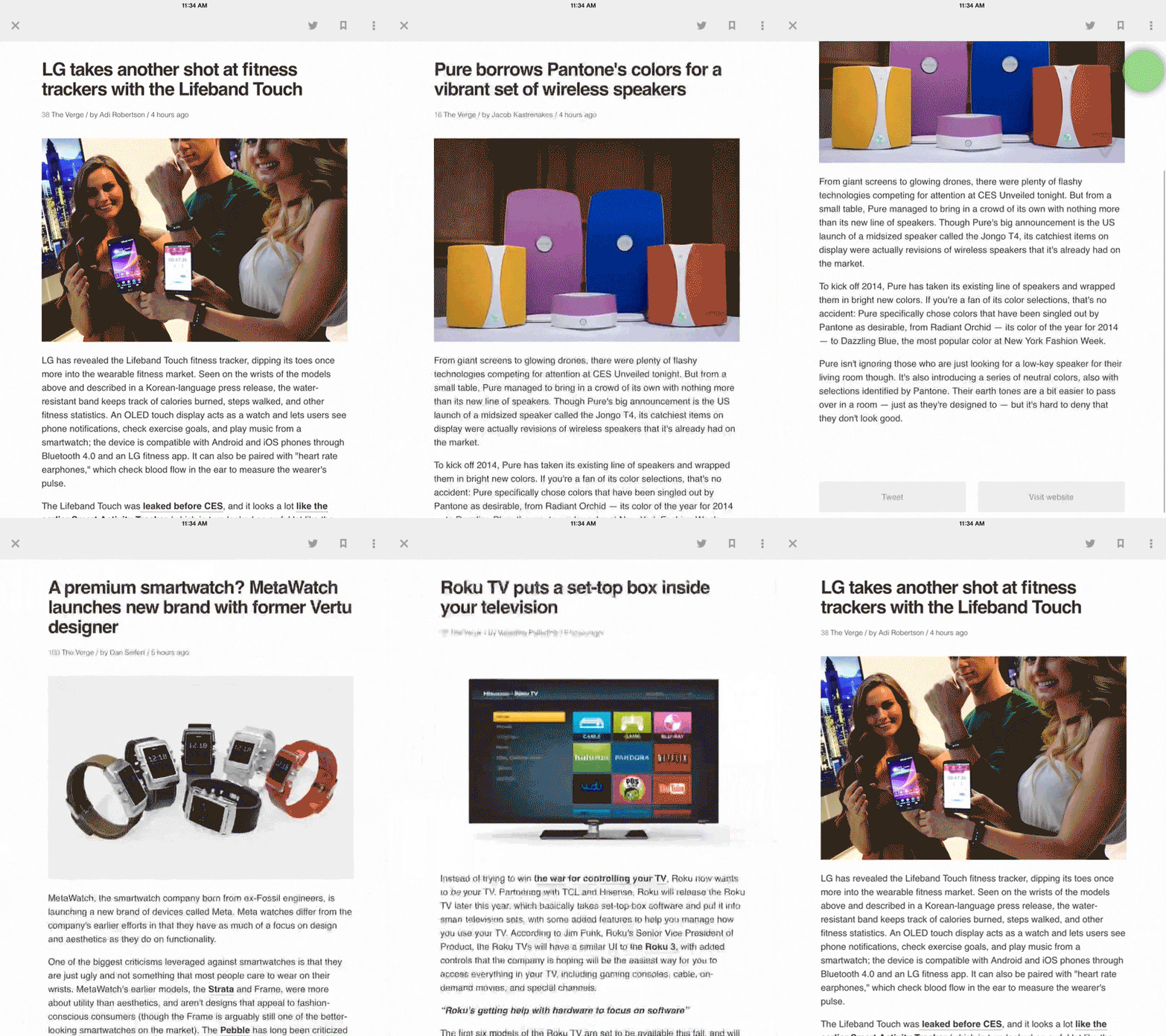
Feedly has updated its iOS app with some new features, highlighted by a new tap gesture called ‘Speed reading’ which allows users to jump from one inlined article to the next quickly, as seen below:
What’s New in Version 18.0.5
Spotlight feature:
* Speed readingOther new features:
* New iPad design
* New night theme
* Faster image processing
* New mark all as read card with reading stats.
* Crash fixes
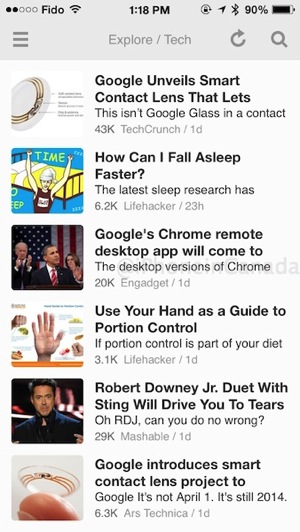
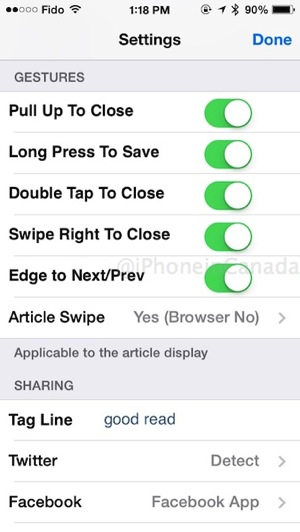
Also new is a brand new iPad design, an added night theme, faster image processing and a new mark all as read card with reading stats plus other crash fixes.
What I’m still waiting for is smooth scrolling instead of the irritating page scrolling. Also new in the day theme is the removal of colours for folders, which is slightly disappointing, but I can see how it aligns better with the theme.
Click here to download Feedly for iOS—it’s free.
Want to see more of our stories on Google?

P.S. Want to keep this site truly independent? Support us by buying us a beer, treating us to a coffee, or shopping through Amazon here. Links in this post are affiliate links, so we earn a tiny commission at no charge to you. Thanks for supporting independent Canadian media!

