
Madden NFL 27 leads this week’s new Apple Arcade games
Additionally, Big Walk, the latest title from House House, is now available through the Mac App Store for $19.99 in Canada.
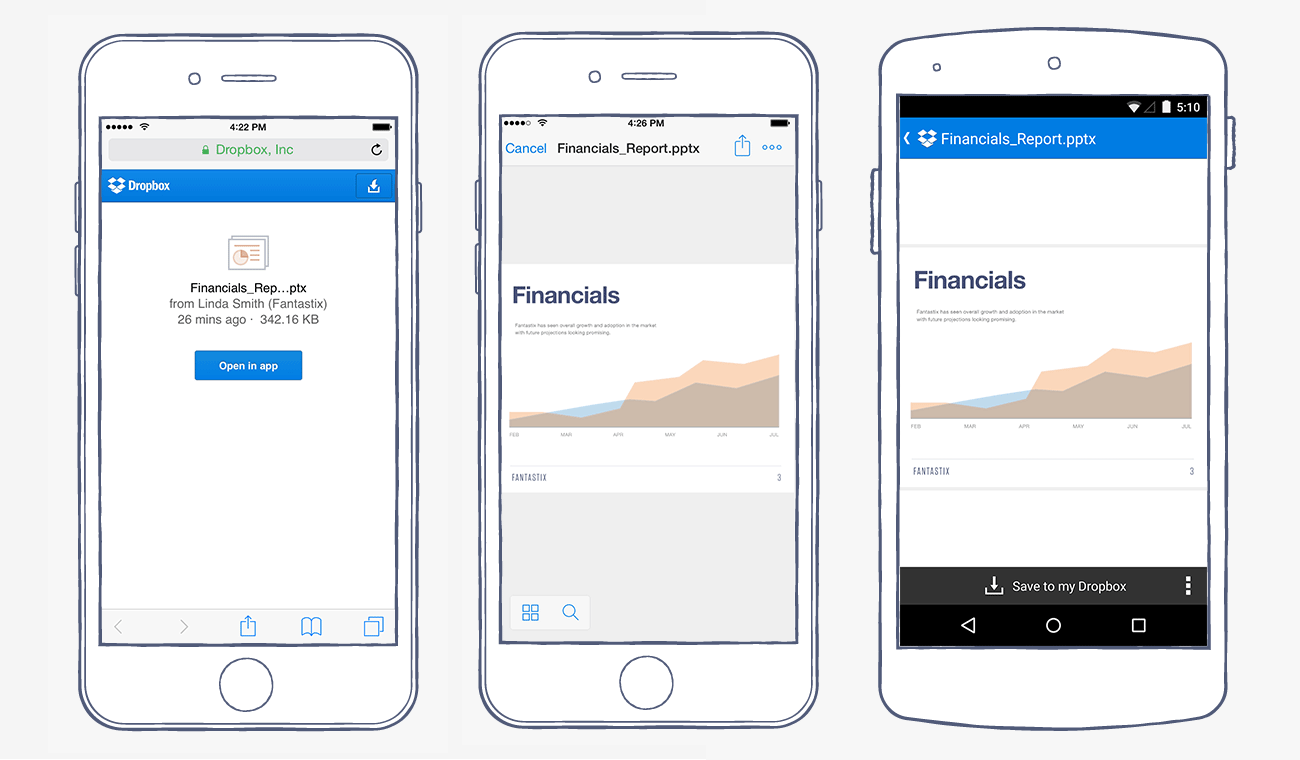
Yesterday, Dropbox app for iOS received a killer new feature i.e. support for iOS 8 share sheet extension, which allows for quick saving of files directly into Dropbox. Today, the company has announced another minor update, allowing users to click on Dropbox shared links on their iOS devices and open the file or folder directly within the Dropbox app. The new feature brings rich previews for documents and photos and a quicker way to save the shared file or folder to your own Dropbox account.
“If the file was already saved to your Dropbox, we’ll take you right to it in the app so you can do more with it — like move the file, rename it, or favorite it for offline access. And if it’s a Microsoft Office file like an Excel spreadsheet or Word document, you can edit the file right from the Office apps on your device”.
So if you’re on an iOS device, clicking on a shared Dropbox link will give you the option to “Open in app”. The update will be rolling out to all iOS users over the next few days.
You can download the latest version from the App Store at the following link:
Download Dropbox for iPhone, iPod touch and iPad [Direct Link]
Want to see more of our stories on Google?

P.S. Want to keep this site truly independent? Support us by buying us a beer, treating us to a coffee, or shopping through Amazon here. Links in this post are affiliate links, so we earn a tiny commission at no charge to you. Thanks for supporting independent Canadian media!

