
Apple Cuts Deal with Alibaba to Finally Bring Apple Intelligence to China
Apple has teamed up with Alibaba to train and roll out a custom artificial intelligence model for iPhone users across mainland China.
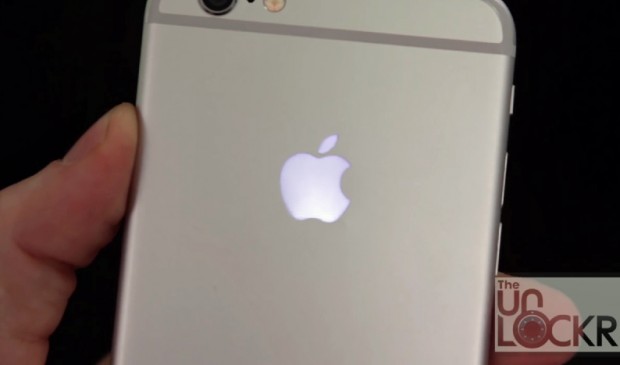
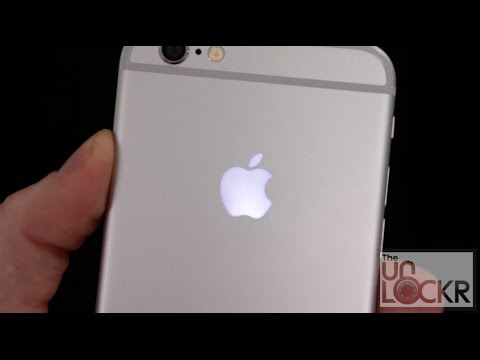
A new, inexpensive LED logo kit introduced by The Unlockr (via iPhonenote) brings an illuminated Apple logo to your iPhone 6 / 6 Plus’s rear, though it might just void your device’s warranty. The hack is however completely reversible and supposedly won’t drain your battery much as well.
The kit is offered at $34.99 for iPhone 6 and $37.99 for the iPhone 6 Plus (6s and 6s Plus versions are coming soon, but will be priced similarly as well). Check out the following video for a better idea:
Want to see more of our stories on Google?

P.S. Want to keep this site truly independent? Support us by buying us a beer, treating us to a coffee, or shopping through Amazon here. Links in this post are affiliate links, so we earn a tiny commission at no charge to you. Thanks for supporting independent Canadian media!


I thought this was a pretty cool idea until i saw it involves opening the phone and voiding the warranty. Not worth it.
Did ya think it was a stick on LED or something 😉
In other news man claims his iPhone caught on fire!
In his pants!
LOL
????LOL
NOPE
OK
That was cool.
But…I dumped Apple for a Note 5 so moot.
I went from iPhone 6 to Note 5, then from Note 5 to iPhone 6s.
I really liked the note, but for some strange reason the iPhone on everyday tasks such as texting, opening mail, sms, safari was always faster on iPhone. Also having both phones to play with at the same time, Androids keyboard, and all other 3rd party keyboard all seem to have a slight bit of lag which annoying me. You don’t notice it until you use an iPhone for a while, then it just kills you.
this is a poor method for removing the battery. it doesn’t always work perfect but there are two pull tabs at the bottom of the battery for the command tape holding it in. you’re meant to pull these tabs straight out and the battery will be completely loose.
When my Apple Care runs out on my phone about a year from now, I’m absolutely doing this. Really happy you shared this, Usman.