
WhatsApp Adds Green Dot Indicator to Show Online Status for Contacts
WhatsApp is adding a small green dot to indicate when contacts are currently online, replacing the current text indicator.

Yesterday it was confirmed that over 60 million Dropbox accounts were hacked during a breach which was discovered last Friday. Dropbox users that have not changed their passwords since mid-2012 were compromised and will need to change their passwords.
While Dropbox sought to reassure users their accounts were safe, the incident was just the latest example of a technology company resetting only passwords of accounts they know for sure are compromised while leaving everyone else’s unchanged. Regardless, if you make a habit of reusing passwords and you’ve ever had an account with Dropbox, it’s safest to change your passwords now.
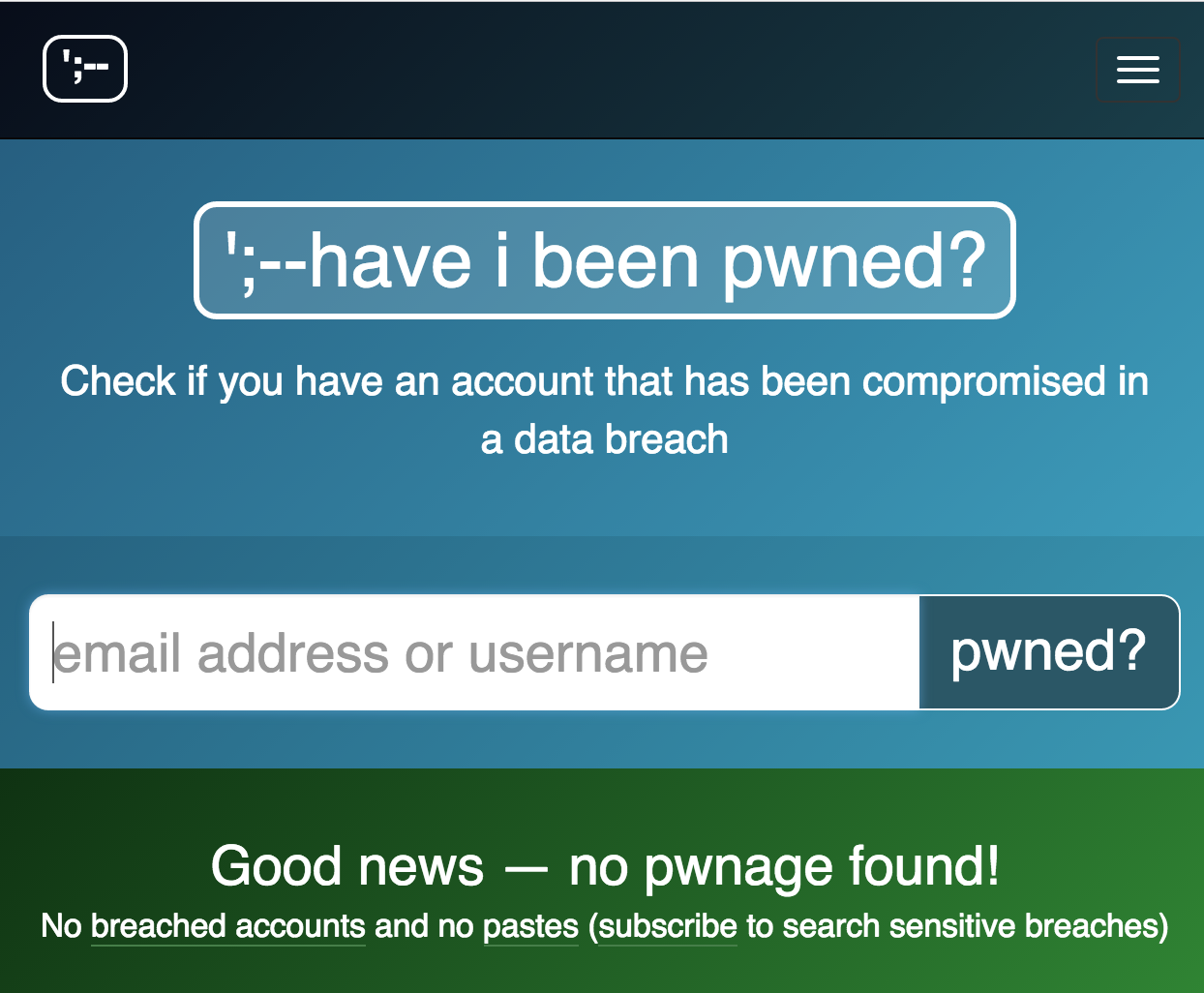
You can check whether or not your account was compromised by searching for your email address at haveibeenpwned.com. To use the tool, simply enter your email address associated with your Dropbox account when you are prompted, click “pwned?” and wait for the message to see if your account was compromised. The tool was created by Troy Hunt, a Regional Director at Microsoft.
Want to see more of our stories on Google?

P.S. Want to keep this site truly independent? Support us by buying us a beer, treating us to a coffee, or shopping through Amazon here. Links in this post are affiliate links, so we earn a tiny commission at no charge to you. Thanks for supporting independent Canadian media!


So if I use 2 step authentication like Google Authenticator, am i still at risk?
If your password hasn’t changed since 2012, I’d still change it anyways, even with two-step. Doesn’t hurt.