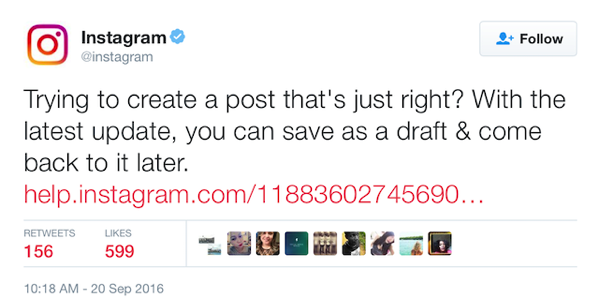
Instagram has just added a handy little feature in its latest update, that lets users save a post as draft and come back to publish it later. The company pointed out to the new feature in a Tweet earlier today. Simply follow the steps below to save an Instagram post as draft.
Once you start creating a post, you can save it as a draft and share it later:
- Tap the camera icon at the bottom of the screen, then take or upload a photo or video
- Add effects, filters, a caption or your location
- Go back to the filtering and editing step, then tap the back arrow in the top left
- Select Save Draft at the bottom of the screen
Note: If you don’t edit the post, tag people or add a caption or location, you won’t be able to save the post as a draft.
To see posts you’ve saved as a draft, tap the camera icon again and then tap Library. Posts will appear at the bottom of the screen below Drafts.



