
Google Design Director Calls the New Fitbit Air a Total Win
Google's Jonah Becker has revealed that the massive early success of the screenless Fitbit Air proves consumers are suffering from display fatigue.
Taking screenshots on the upcoming iPhone X is as easy as ever, even without the home button. The folks over at iMore have just shared the process on how to take screen shots with the iPhone X.
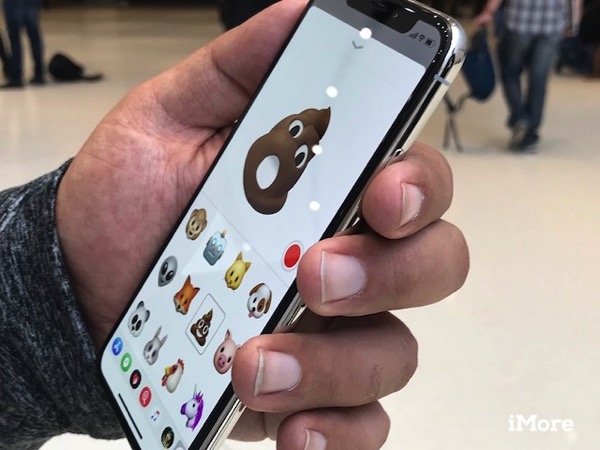
Here’s how it works:
Step 1:
Open the app or screen you want to capture.
Step 2:
Set up everything exactly the way you want it for the shot.
Step 3:
Press and hold the Side button on the right side of iPhone X.
Step 4:
Click the Volume Up button at the exact same time. (This replaces the Home button step from previous iPhones.)
Step 5:
The screen will flash white and you’ll hear the camera shutter sound (if your sound is enabled).
That’s it, enjoy taking screenshots on your flashy new iPhone X.
Want to see more of our stories on Google?

P.S. Want to keep this site truly independent? Support us by buying us a beer, treating us to a coffee, or shopping through Amazon here. Links in this post are affiliate links, so we earn a tiny commission at no charge to you. Thanks for supporting independent Canadian media!


Anyone know how to access the quick control panel? Used to be swipe up, but now… lol! Home Screen!
Swipe down from the right of the “notch’ on top. Swipe down from the left of the “notch” for your notifications. I get the sense that all these new gestures will become second nature in very short order.
Swipe down from the top right