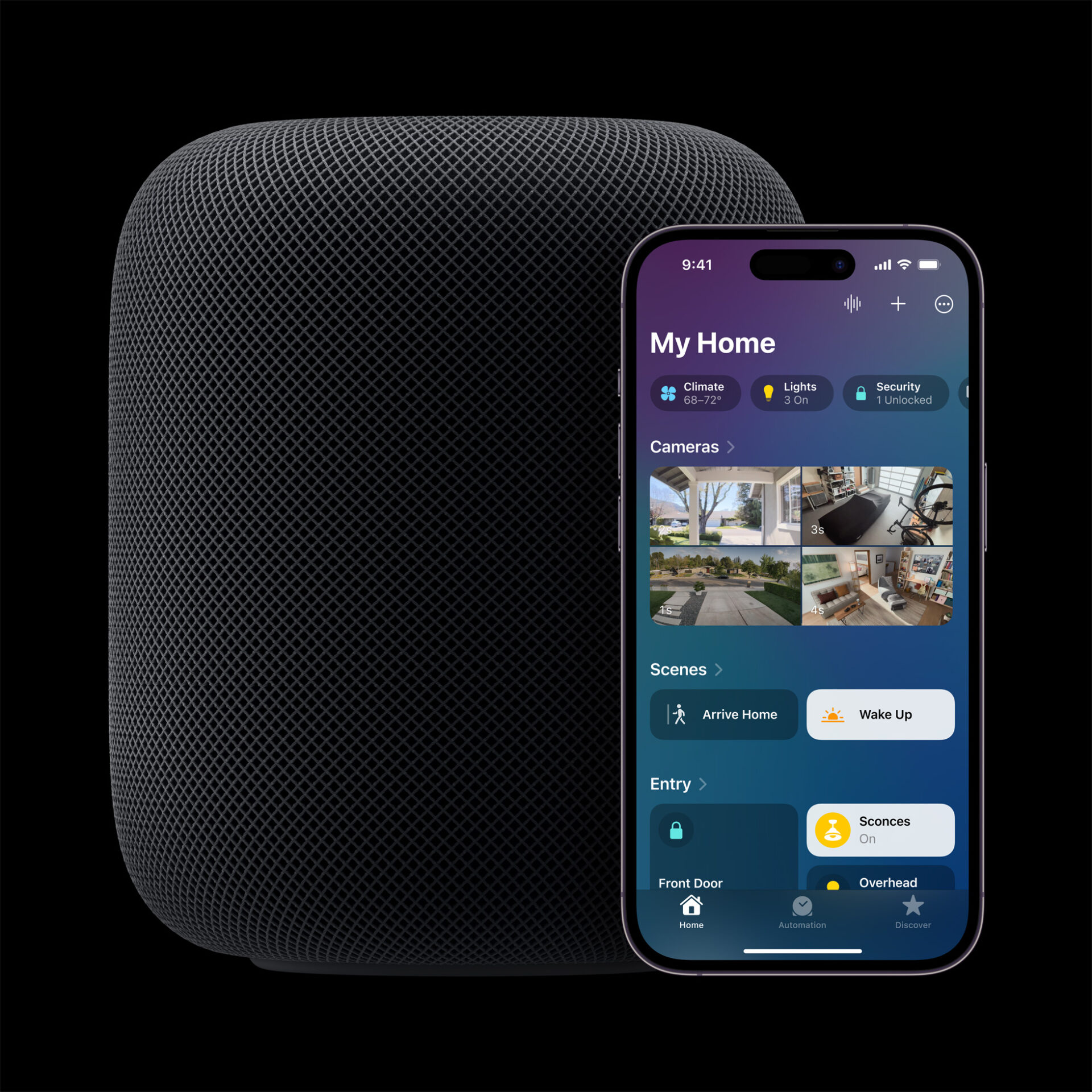
Apple’s Smart Home Hub With Siri AI and Face Recognition Could Launch Next Month
Apple's long-awaited smart home hub could launch as early as next month with facial recognition and Siri AI, according to Mark Gurman.
In a new support document published recently by Apple, it has been confirmed that iOS 11 Control Centre toggles do not fully disable Bluetooth and Wi-Fi, on iPhone, iPod touch and iPad (via MacRumors).
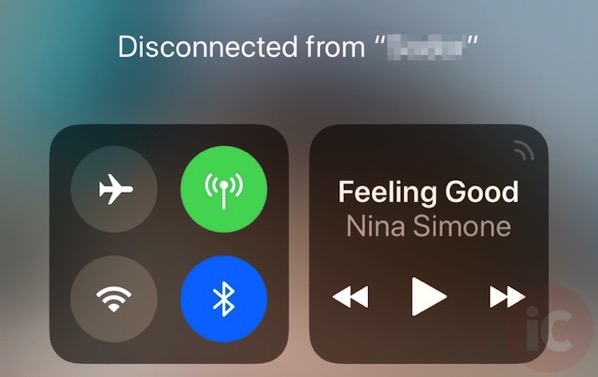
According to Apple, when you toggle the Wi-Fi or Bluetooth buttons in Control Center, your device will immediately disconnect from Wi-Fi and Bluetooth accessories although both will continue to be available, so you can continue to use the following features:
This means that the Control Centre toggles in iOS 11 merely disconnect any connected accessories over Wi-Fi or Bluetooth, instead of completely disabling connectivity. Furthermore, the Apple support documents highlights the following:
If Bluetooth is turned off, you won’t be able to connect your iOS device to your Bluetooth accessories until:
- You turn on Bluetooth in Control Center.
- You connect to a Bluetooth accessory in Settings > Bluetooth.
- It’s 5 AM local time.
- You restart your device.
If you want to completely disable Wi-Fi and Bluetooth for all networks and devices, follow these steps:
- To turn off Wi-Fi, go to Settings > Wi-Fi and turn off Wi-Fi.
- To turn off Bluetooth, go to Settings > Bluetooth and turn off Bluetooth.
Apple says that for the best experience on your iOS device, try to keep Wi-Fi and Bluetooth turned on at all times.
Want to see more of our stories on Google?

P.S. Want to keep this site truly independent? Support us by buying us a beer, treating us to a coffee, or shopping through Amazon here. Links in this post are affiliate links, so we earn a tiny commission at no charge to you. Thanks for supporting independent Canadian media!


I actually flagged that incongruity for them during the beta program. Nice to see they … did nothing….
🙁
It’s not an incongruity it’s a feature, as I’m sure they can tell by usage data that 99% of people who turn off wifi or Bluetooth from control centre do so because disconnecting from a network or device is exactly the action they WANT, but “turning off” wifi or BT is simply a means to an end, often with undesired or unintended consequences.
I’m guessing those points are exclusive, eg. if any of them are true, you can use it again? And the 5AM local time means it’s a temporary disable, and it will turn back on at 5AM tomorrow?
Off doesn’t mean off? So they’re becoming Microsoft? They know what’s best?
WiFi or Bluetooth off in iOS 11 via Control Center = #fakenews (for now)
Haha.Seems like you like you learned a new phrase recently and can’t stop repeating it #fakenews
Hmm. I wonder if the EU is going to go after Apple for this? We know nobody will in North America!
Yeah exactly. Off should mean off. If they want to change what the buttons do, they should design a new “disconnect” icon (or some other solution) so we as users know what is going on. This goes against the principle of transparency.
I think this is a really great feature. Almost every time I turn off wifi or Bluetooth, esp via control centre, it’s to disconnect from a slow wifi network or quickly disconnect a Bluetooth device without having to go into setttings. Often I forget to turn it back on tho, and am surprised when I get home and my HomeKit lights don’t automatically turn on. Great feature! Obviously this is deliberate, not a bug or some conspiracy.
Good for you! Many Americans also feel Trump is a great President.
I’m sure you’ll find your safe space in hillary’s new book. this world is too harsh for you.
I agree it’s a great feature – but not the implementation. All they had to do was make some sort of “disconnect” icon rather than lying to us that our bluetooth or wifi is off. Now how can you trust any setting on the iPhone? Are you going to believe them when you turn on the “do not track me” switch?
this pissed me off so much yesterday after updating my iPad Air because its battery drained like crazy as if I had the blutooth on. I made sure the button in control centre was off but didn’t realize it meant disconnected until I went to the settings. wtf, apple. off means off, no means no. my body, my choice!!!
Personal Hotspot always asks to turn on wi-fi, which is fine, but when I click Wi-Fi Off and Bluetooth-Off I mean off, I don’t mean ‘half-on’. Apple… your X Notch drives me bananas.
It’s more like ‘mute’ than ‘off’. If you don’t look at the buttons as representing ‘on’ and ‘off’ but rather more like ‘full connect’ and ‘disconnect’, then it makes more sense.
That said, I agree with another commenter – all they need to do is add the extra option for the buttons; eg, touch/hard press to select from Enable/Disconnect/Disable options.