
Apple’s AirPort Utility App is Being Removed From the App Store
Apple warns that "functionality is not guaranteed" when using AirPort Utility on iOS 27 or later.
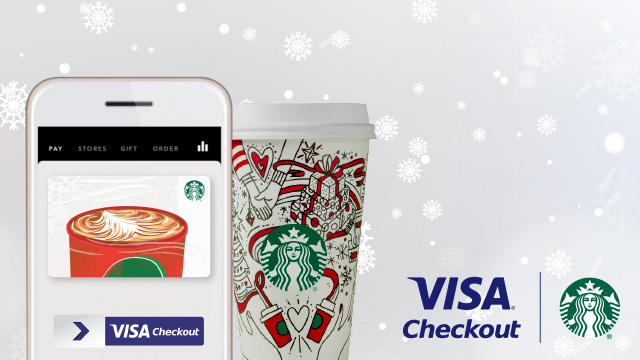
Starbucks has announced customers have another way to reload their cards—Visa Checkout, as sent out this morning via email to coffee lovers.
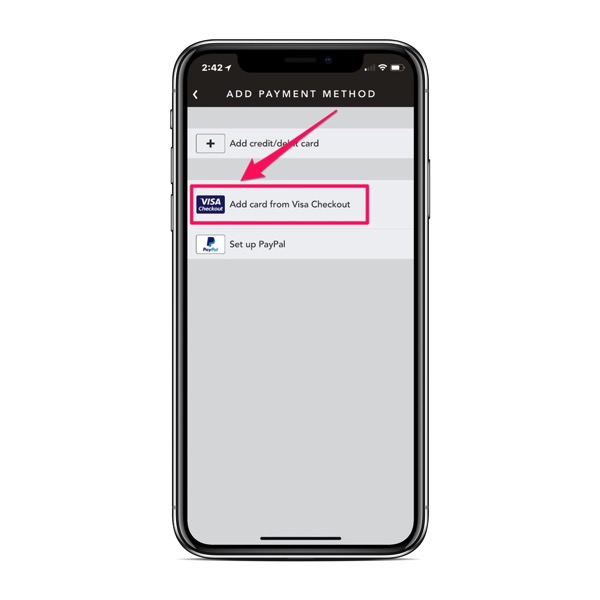
The new payment option has been added over-the-air and now shows up when you launch the Starbucks iOS app, and tap “Pay” in the top left corner. From there, tap ‘Add Payment Method’ and you’ll see a new option for ‘Add card from Visa Checkout’:
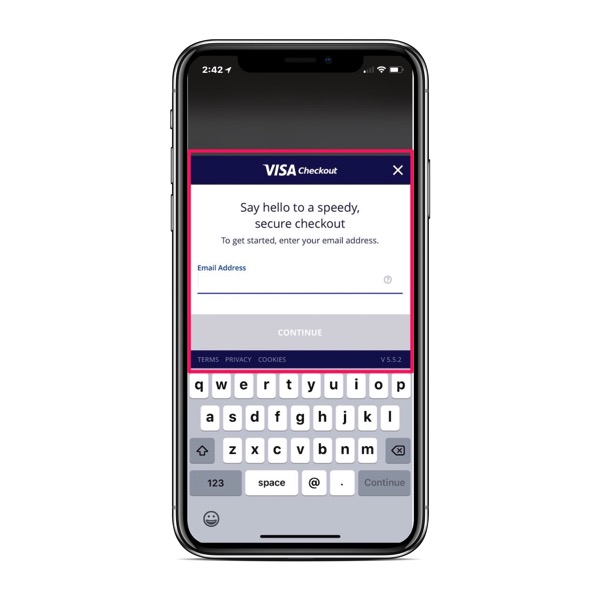
Once this happens, a web pop up appears for you to login to Visa Checkout with your credentials:
Now, I’m not sure why you would want to use Visa Checkout over Apple Pay (unless your Visa card doesn’t support Apple Pay, or you love Visa Checkout), but it’s another option that’s there when you need to reload your Starbucks Card.
Want to see more of our stories on Google?

P.S. Want to keep this site truly independent? Support us by buying us a beer, treating us to a coffee, or shopping through Amazon here. Links in this post are affiliate links, so we earn a tiny commission at no charge to you. Thanks for supporting independent Canadian media!


??
??
Does anybody use Visa Checkout?! what year is it?!
So instead of implementing Android/Apple Pay, they choose to start using an outdated form of payment?