
iOS 27 Wireless CarPlay Glitches are a Nightmare
Drivers testing the initial iOS 27 developer beta are warning about severe wireless CarPlay bugs that cause infinite crash loops and broken app menus.
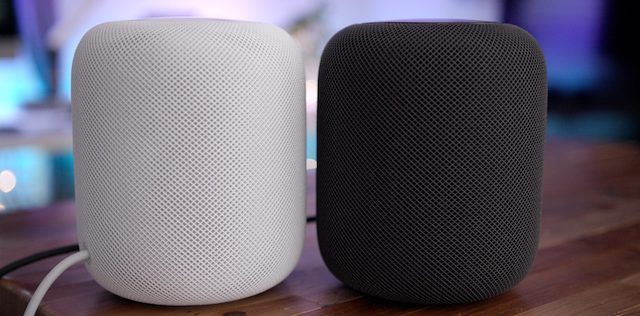
If you’ve got your hands on the HomePod already and can’t wait for features like stereo support and multi-room audio, which will officially be made available to HomePod users later this year via a software update, a powerful third party app called ‘AirFoil’ lets you create a multi-room setup between several AirPlay and Bluetooth devices, including the HomePod right now (via 9to5Mac).
AirFoil, which is currently available for macOS and Windows machines, opens up your computer to a host of new audio settings. While the tool has been available for quite some time, iCrackUriDevice has shared in a YouTube video how you can use it to create a stereo HomePod pair with a clever workaround.
Simply follow the steps in the embedded video to set up a stereo HomePod configuration using AirFoil:

Want to see more of our stories on Google?

P.S. Want to keep this site truly independent? Support us by buying us a beer, treating us to a coffee, or shopping through Amazon here. Links in this post are affiliate links, so we earn a tiny commission at no charge to you. Thanks for supporting independent Canadian media!


I’ve been using airFoil for a while and it’s quite powerfull and with a lot of flexibility. But there’s one issue I could never quite adjust correctly: there was always an few millisec offset between the devices located close to the source and those further away, causing a harsh discordance of sound thruout the house (if you’re located somewhere where can hear all sources). So I’ve stopped using it.
Syncing is everything in a multiple devices environment and hopefully Apple will nail it!
you can adjust delay by device though.. totally fixable.
Really?
Didn’t know
Thx
hahah this is highlarious and it works. you don’t even need 2 home pods.