
Apple’s AirPort Utility App is Being Removed From the App Store
Apple warns that "functionality is not guaranteed" when using AirPort Utility on iOS 27 or later.
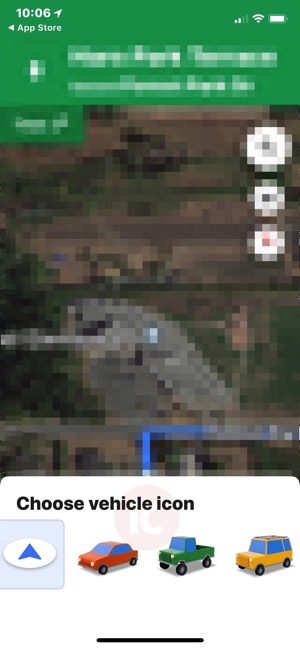
Google Maps for iOS has been updated to bring forth a minor but fun update, as users can now select a vehicle icon during navigation, taking options beyond the standard arrow.
When you start navigation directions, just tap your navigation icon arrow, which will then bring up a screen titled ‘Choose vehicle icon’. From here, you can choose from a car, truck or SUV instead of the boring arrow:
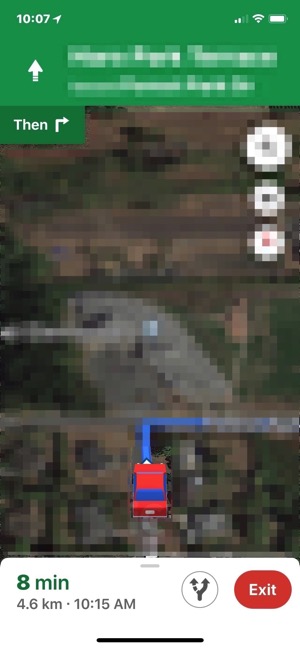
Once selected, your new vehicle icon will be seen as you’re viewing your turn-by-turn directions on your journey:
Back in March, Google Maps for iOS was updated to show average restaurant wait times within search queries, saving users a step from using the Google iOS app, while back in February the app gained real-time commute info and a new ‘places around you’ feature.
Click here to download Google Maps for iOS in the App Store.
Want to see more of our stories on Google?

P.S. Want to keep this site truly independent? Support us by buying us a beer, treating us to a coffee, or shopping through Amazon here. Links in this post are affiliate links, so we earn a tiny commission at no charge to you. Thanks for supporting independent Canadian media!

