
How to Enable Slack’s New Dark Mode on iOS and Android

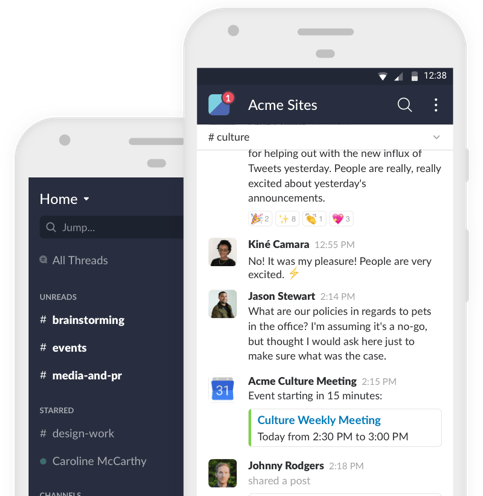
Popular workplace collaboration app Slack has started experimenting with a new dark mode feature, which is currently available only to beta testers on iOS and Android. However, it seems that the feature can be activated by anyone who signs up for Slack’s beta testing program (via The Verge).

Slack

To enable the new dark mode on Slack, here’s what you need to do:

Step 1:

Join Slack’s beta testing program for free. To do so, open the app’s settings and scroll down to the “Join Beta” section, which prompts you to provide your name and e-mail address.

Step 2:

Once your request to join the beta program has been approved, update your app and restart.


Step 3:

Now go to the app’s settings again where you will find a new toggle that will let you turn the dark mode on.

Note: The Android app will prompt you to restart the app, whereas the iOS version will automatically switch.

That’s it. Enjoy!

Want to see more of our stories on Google?

Add iPhone in Canada as a Preferred Source on Google

P.S. Want to keep this site truly independent? Support us by buying us a beer, treating us to a coffee, or shopping through Amazon here. Links in this post are affiliate links, so we earn a tiny commission at no charge to you. Thanks for supporting independent Canadian media!

Subscribe
Notify of
guest
0 Comments
Oldest
Newest Most Voted
Inline Feedbacks
View all comments
0
Would love your thoughts, please comment.x
()
x