
iOS 27 Wireless CarPlay Glitches are a Nightmare
Drivers testing the initial iOS 27 developer beta are warning about severe wireless CarPlay bugs that cause infinite crash loops and broken app menus.
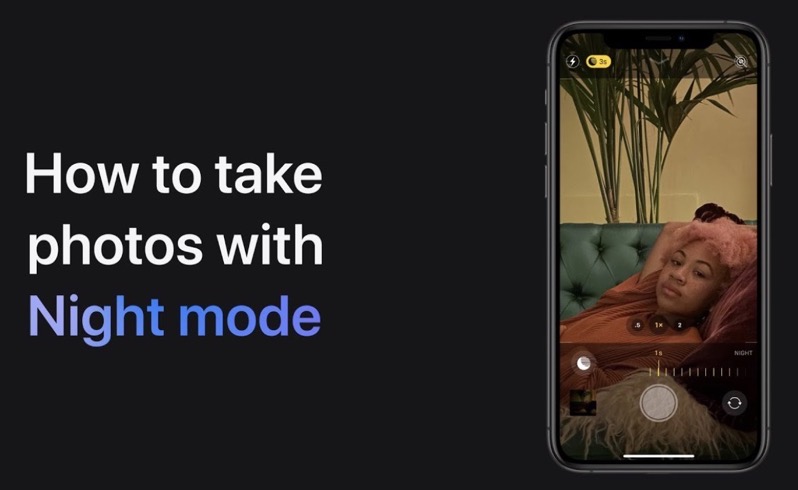
Apple has shared a new video detailing how to take photos in Night mode on the iPhone 11 and iPhone 11 Pro.
According to Apple, “Night mode turns on automatically in low light, so your photos always look their best. If you want to manually adjust the exposure time, just tap the Night mode button in the Camera app on your iPhone 11 or iPhone 11 Pro.”
Check out the 28-second tutorial video below:

Night mode on iPhone 11 and iPhone 11 Pro is pretty impressive as it’s seamless. If you can find a tripod or something to lean your iPhone against, taking longer exposures results in some really cool photos.
Want to see more of our stories on Google?

P.S. Want to keep this site truly independent? Support us by buying us a beer, treating us to a coffee, or shopping through Amazon here. Links in this post are affiliate links, so we earn a tiny commission at no charge to you. Thanks for supporting independent Canadian media!

