
iOS 27 Wireless CarPlay Glitches are a Nightmare
Drivers testing the initial iOS 27 developer beta are warning about severe wireless CarPlay bugs that cause infinite crash loops and broken app menus.
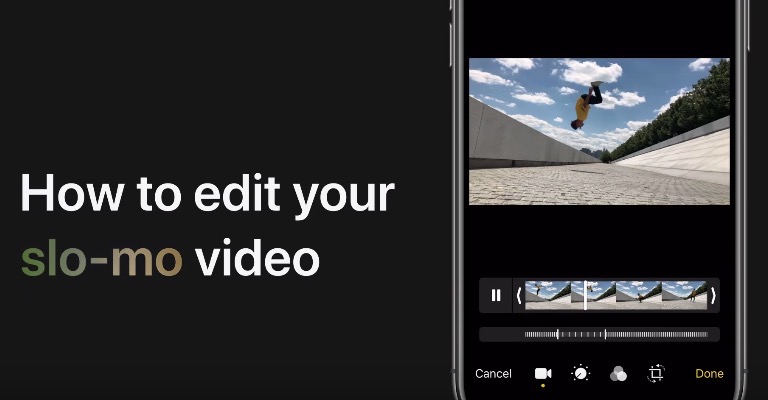
If you’ve never used the slow-motion video feature on your iPhone, iPad or iPod touch, Apple has shared a video tutorial on how to edit your slo-mo video.

“Slo-mo video works best when it slows down at just the right spot. You can edit where the slow motion starts and stops with a few taps in the Photos app,” explains Apple.
According to Apple’s website, “Make your favorite moments last longer with slow-motion videos. Your video records as normal. But when you play it back, you see the slo-mo effect. You can even edit your video so that the slo-mo action starts and stops at a time you choose.”
For those with iPhone 11 models, Apple introduced ‘Slofies’, allowing users to film slo-mo videos using the front-facing cameras. Apple launched slow motion recording when it debuted the iPhone 5s in 2013.
Want to see more of our stories on Google?

P.S. Want to keep this site truly independent? Support us by buying us a beer, treating us to a coffee, or shopping through Amazon here. Links in this post are affiliate links, so we earn a tiny commission at no charge to you. Thanks for supporting independent Canadian media!

