

Apple Details How to Collaborate with Others in Notes on iOS [VIDEO]
![]()
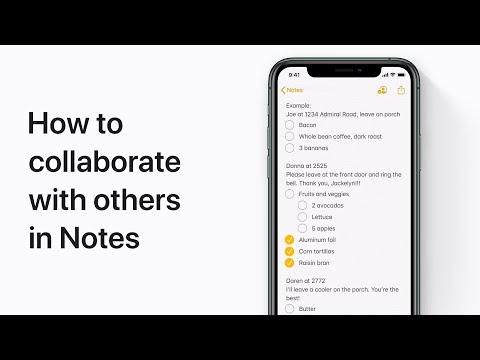
In a new support video on YouTube, Apple has detailed how iOS users can collaborate with others in Notes on iPhone, iPad, and iPod touch. Users can invite people to collaborate on things like shopping lists and group sketches, or even play a round of tic-tac-toe.
To collaborate with your friends, share a note or a folder of notes in iCloud and all the collaborators will be able to see everyone’s changes.
Simply follow these steps to get started:
- Open the note you want to share.
- From Share Options, choose “Can make changes” or “View only.”
- Choose how to send your invitation (for example, using Mail or Messages).
- You can then add or remove collaborators.
Check out the video below for a better idea.

Want to see more of our stories on Google?
P.S. Want to keep this site truly independent? Support us by buying us a beer, treating us to a coffee, or shopping through Amazon here. Links in this post are affiliate links, so we earn a tiny commission at no charge to you. Thanks for supporting independent Canadian media!