As noted by the folks over at MacRumors, Apple has introduced a new feature in its latest WatchOS 7, which allows Apple Watch users to fully customize their Activity goals, including the ability to set daily Stand hours and Exercise minutes.
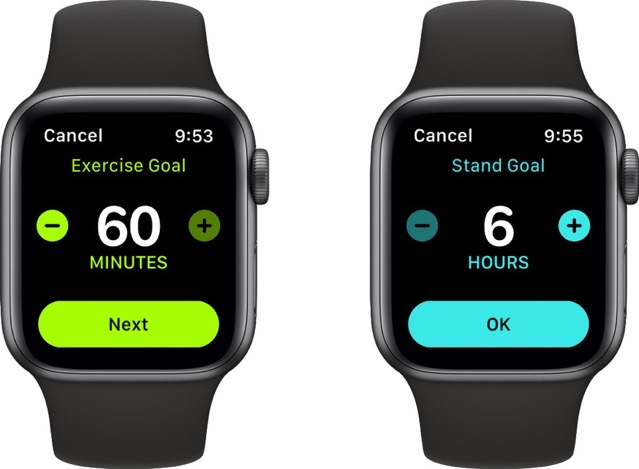
Previously, Apple Watch users did not have the option to change Stand hours or Exercise minutes, with Apple requiring at least 12 stand hours and at least 30 minutes of exercise to complete an Activity goal.
But now, users have the option to set the Exercise goal to as low as 10 minutes or as high as 60 minutes. Similarly, the Stand goal can be changed to six hours with twelve hours as the default option.
To change your Apple Watch Activity goals on WatchOS 7, follow these steps:
Step 1:
Go to Activity App on Apple Watch
Step 2:
Scroll down to the “Change Goals” option
Step 3:
Here you can set your new Move, Exercise, and Stand goals.
That’s it. Enjoy!



