Pinterest has today announced the launch of an iOS 14 widget for daily inspiration, which allows Pinners to feature a board of their own or one they follow on their Homescreen. The image on the widget will change on an hourly or daily basis, depending on the Pinner’s preferences.
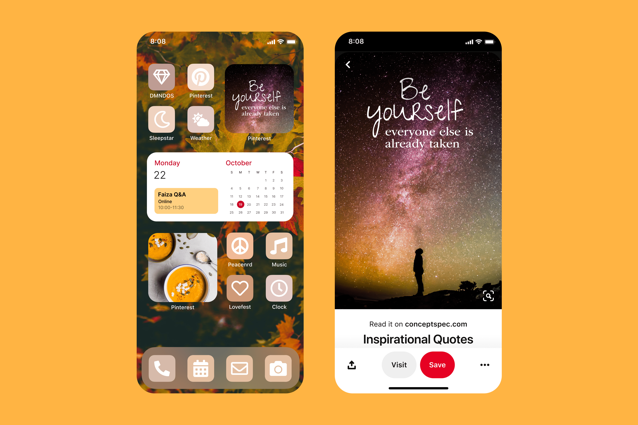
The widget comes at a time when iOS users are looking for ways to continuously update their Homescreen aesthetics for inspiration, wellbeing, and positivity. Users can get all sorts of inspiring ideas on Pinterest, from Halloween decor to fall recipes, quotes, travel ideas, and much more.
Here’s how you can get the Pinterest widget on your iOS Homescreen:
- Hold an area on your screen and tap the plus sign in the upper-left corner to choose Pinterest from widgets.
- Select the widget’s size and add it to your home screen.
- Select a board of yours or one you follow.
- The image on the widget will change on an hourly or daily basis, depending on the Pinner’s preferences.
- Tapping the widget will direct to that Pin in the app.
The new widget is available now to Pinterest users around the world.



