As noted by MacRumors, Apple has just rolled out a new firmware update for the AirPods Pro and the second-generation AirPods, taking the firmware version from 3A283 to 3E751.
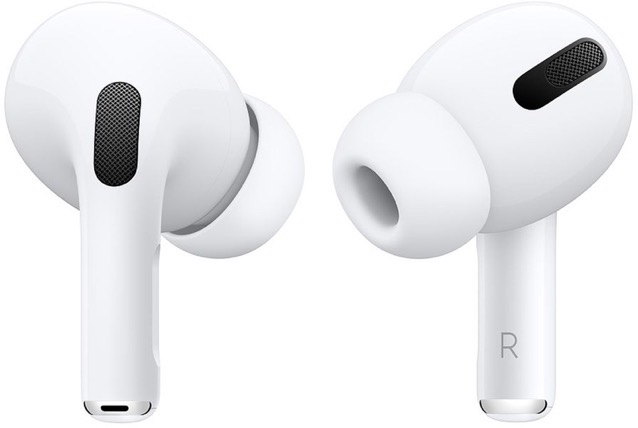
While it is not yet clear what has been included in the latest AirPods firmware update, but it will most likely offer performance improvements and address any connectivity bugs.
If you own a pair of these AirPods, the new firmware should be automatically installed over-the-air once you connect your AirPods to an iOS device.
To find out the firmware version of your AirPods, here’s what you need to do:
- Connect your AirPods or AirPods Pro to your iOS device.
- Open the Settings app.
- Tap General.
- Tap About.
- Tap AirPods.
- Look at the number next to “Firmware Version.”
To force the firmware update manually, simply put the AirPods in their case connected to a power source, and pair them to an iPhone or iPad.



