
Apple’s AirPort Utility App is Being Removed From the App Store
Apple warns that "functionality is not guaranteed" when using AirPort Utility on iOS 27 or later.
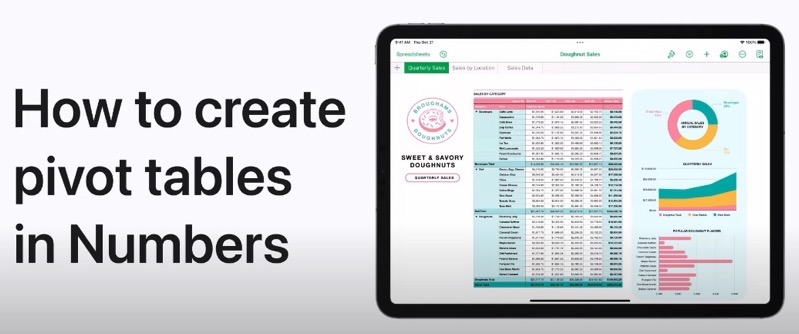
Apple’s Support channel on YouTube has shared a new tutorial on Tuesday, on how to create a pivot tablet in the Numbers app, which allows you to create spreadsheets.
“A pivot table can be created from a table or range of cells in a spreadsheet; the data used in those cells is your source data. The source data must contain at least one populated, nonheader cell, and can’t contain cells merged across adjacent rows. If you create a pivot table from a range of cells, you can edit the range later,” says Apple.

The video above details everything you need to know. You can also learn more by visiting the support article for iPhone here and iPad here.
You can click here to download Numbers for iOS in the App Store–it’s free.
Want to see more of our stories on Google?

P.S. Want to keep this site truly independent? Support us by buying us a beer, treating us to a coffee, or shopping through Amazon here. Links in this post are affiliate links, so we earn a tiny commission at no charge to you. Thanks for supporting independent Canadian media!

