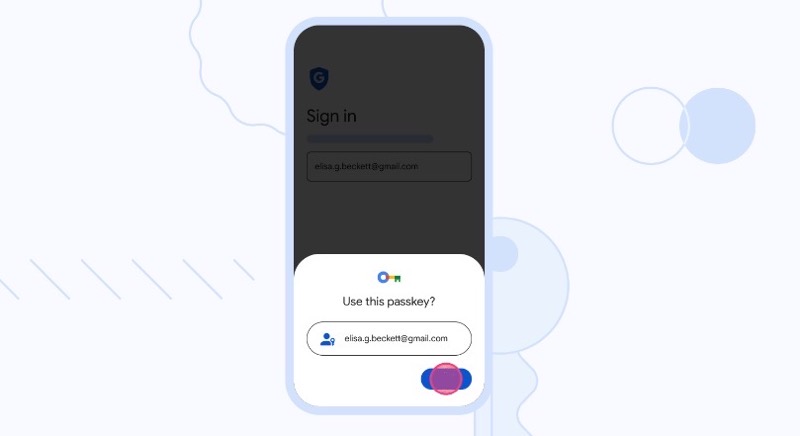
In an effort to move towards a “passwordless future,” Google has begun rolling out passkeys across Google Accounts on all major platforms.
Developed in collaboration with FIDO Alliance, Apple, and Microsoft, passkeys offer a more secure and user-friendly alternative to traditional passwords, which can be frustrating to remember and vulnerable if compromised. Passkeys allow users to sign in to apps and websites using a fingerprint, face scan, or screen lock PIN, enhancing security against online attacks such as phishing (I guess someone needs to steal your finger or face).
Several services, including Docusign, Kayak, PayPal, Shopify, and Yahoo! Japan, have already adopted passkey experiences for their users on Chrome and Android.
As of today, Google Account users can now opt for passwordless sign-in experiences as well. Google Workspace administrators will soon have the option to enable passkeys for their end-users during sign-in.
While the transition to passkeys will take time, Google remains committed to making the sign-in process easier and more secure for users. Passwords and 2-Step Verification (2SV) will continue to work alongside passkeys for Google Accounts.
Back in December, Google rolled out passkey support for its Chrome web browser. Apple first announced its support for passkeys back at WWDC 2021 and currently supports the biometric login for iOS 16, iPadOS 16, macOS Ventura, and tvOS 16.
You can try setting up your passkeys for your Google Account by clicking here—it’s really easy to get started. We just tried it on our Mac and it took seconds. Administrators for Google Workspace accounts will soon be able to allow passkeys as an option for end-users soon.



How would passkeys work like in my case I use a iPhone and windows 10 (surface go) and would be beneficial to have a backup iOS device in case my phone gets lost so I would have passkeys available to sign into other accounts