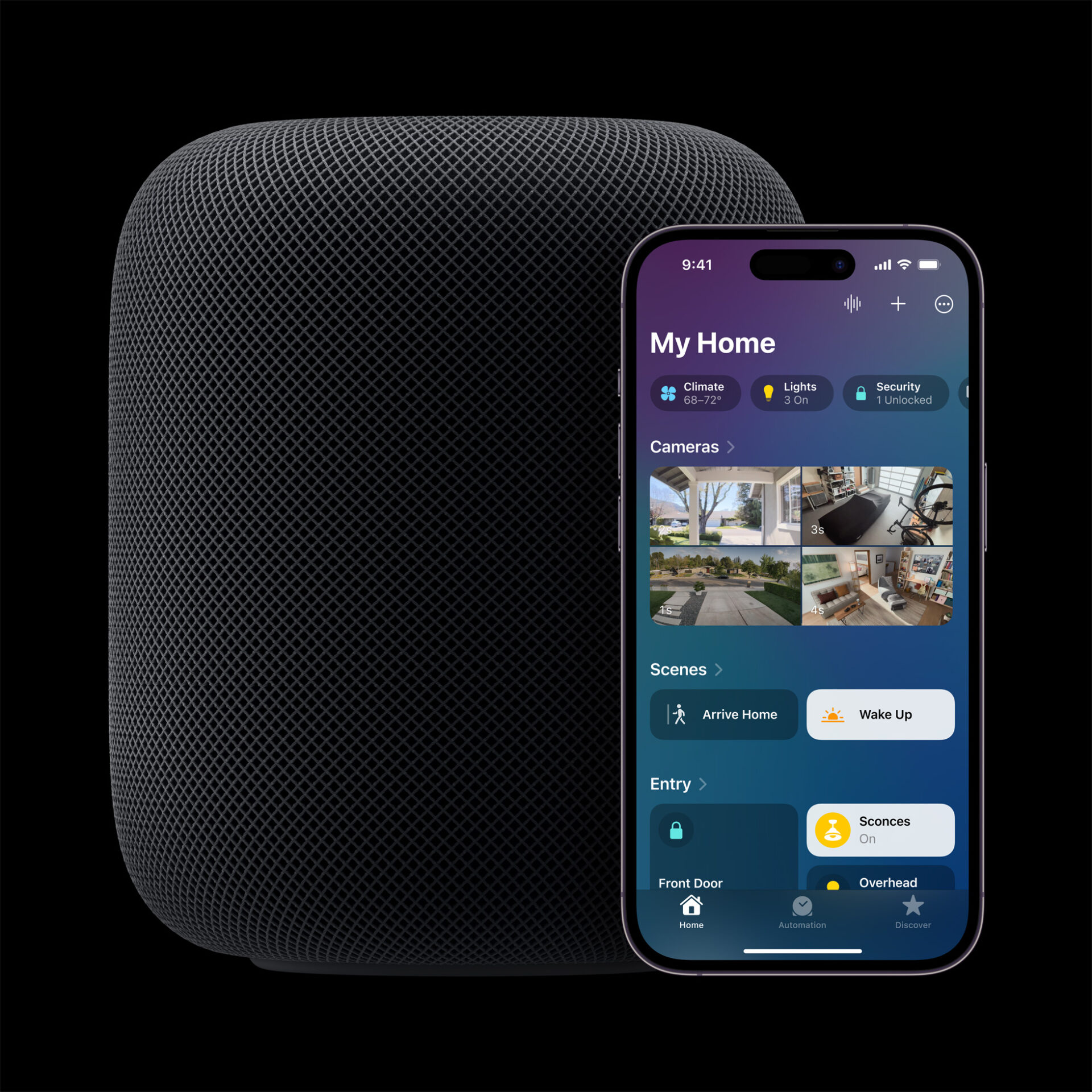
Apple’s Smart Home Hub With Siri AI and Face Recognition Could Launch Next Month
Apple's long-awaited smart home hub could launch as early as next month with facial recognition and Siri AI, according to Mark Gurman.
According to a report by MacRumors, Apple’s latest macOS 26 Tahoe update fails to install on Mac Studio with M3 Ultra chip due to hardware verification issue, forcing users to reinstall Sequoia.

The update appears to start normally but after the system reboots, the Mac Studio remains on macOS Sequoia version 15.7. Efforts to upgrade via the usual Software Update path, Safe Mode, or Recovery Mode all seem to result in the same outcome.
According to users sharing their experiences in the Apple Support Communities, the failure happens after the installer loads the driver for the Apple Neural Engine. However a hardware verification check reportedly fails and the install is aborted before Tahoe can fully run. This issue seems to affect all Mac Studio machines running the M3 Ultra chip rather than only a subset.
One user says they allowed the installer to run to completion then saw the system reboot as expected only to find it had reverted to Sequoia with no error messages. Another commenter speculated that the installer attempts a driver install then detects an issue in hardware compatibility triggering a fallback.
Apple appears to be aware of the issue. The company has not provided a timetable for a fix yet but multiple users report that neither installing from Safe Mode nor using Recovery Mode offers any success. Until an update patch is issued M3 Ultra Mac Studio owners may have to wait.

The bug is drawing attention because macOS Tahoe is Apple’s latest major system release first made generally available on September 15 2025. Alongside new features for multitasking and support enhancements it was expected to run on all recent Apple Silicon Macs including those with M-series chips such as M3 Ultra.
Users are advised to check Apple’s official support channels for updates. For now, maintaining Sequoia remains the only stable option for those Mac Studio units until Apple confirms a patch that resolves the installation verification problem.
Want to see more of our stories on Google?

P.S. Want to keep this site truly independent? Support us by buying us a beer, treating us to a coffee, or shopping through Amazon here. Links in this post are affiliate links, so we earn a tiny commission at no charge to you. Thanks for supporting independent Canadian media!

