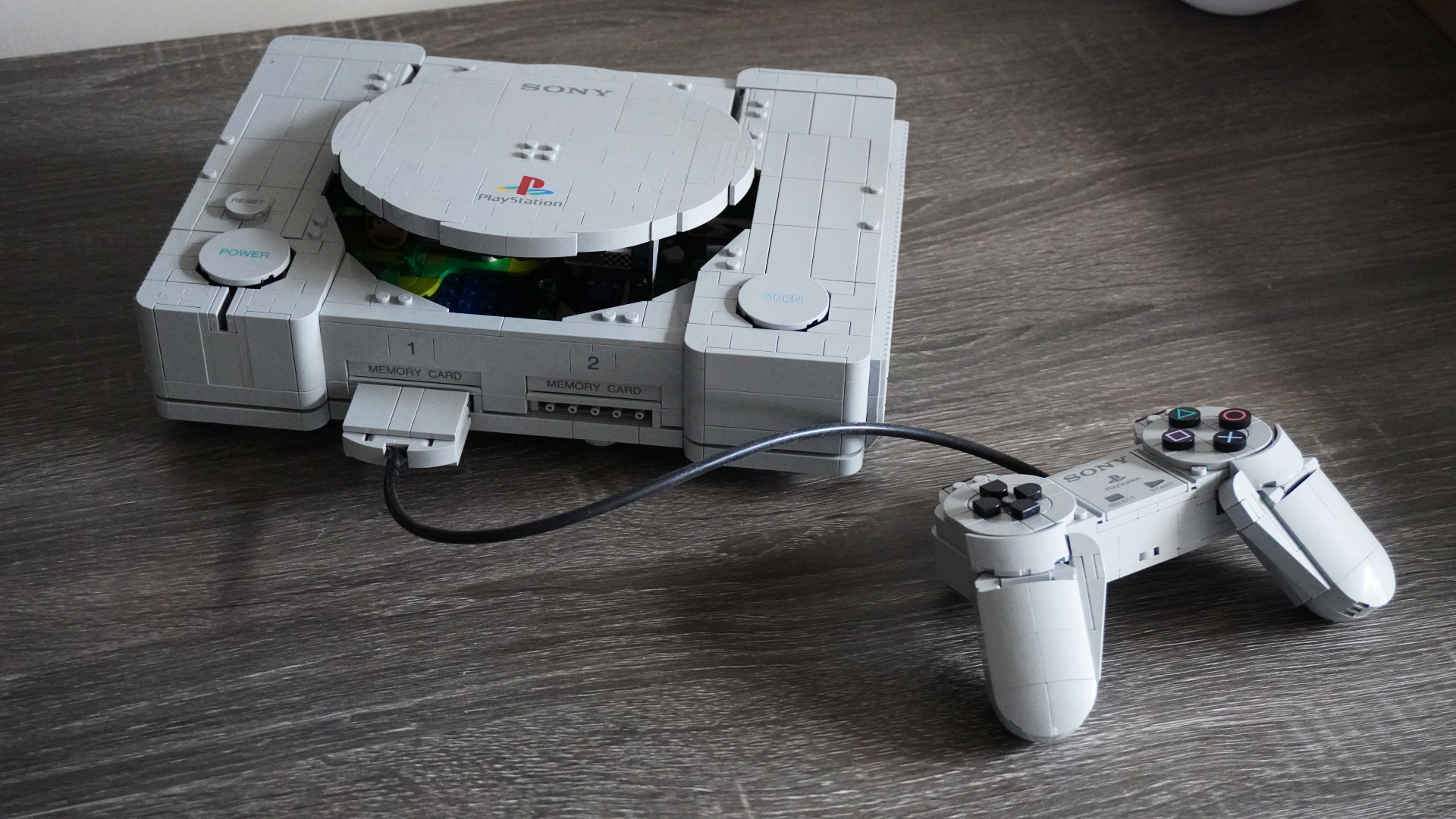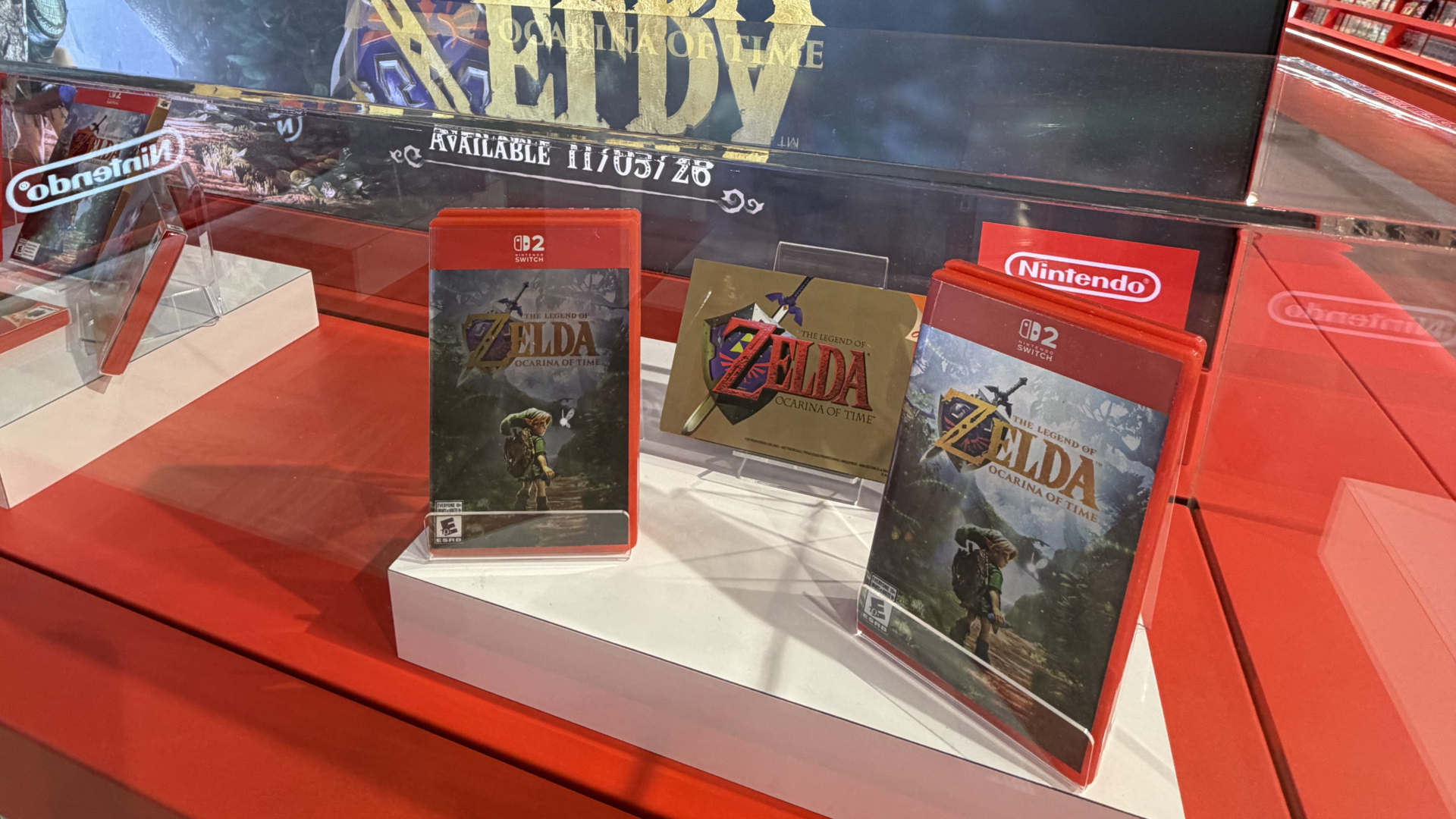
Your First Look at Inside Nintendo’s First Store-Within-a-Store at EB Games Toronto
Nintendo's first North American store-within-a-store opens at EB Games on Saturday, October 17, at 10 AM ET.

During Galaxy Unpacked, Samsung officially revealed the new Galaxy S26 series, including the high-end Galaxy S26 Ultra model. Year after year, the Ultra device offers the best-in-line features, camera and performance. This year, the Galaxy S26 Ultra focuses on new privacy display technology and pushes nightography forward in a way that has me eager to test it practically as the devices launch on March 11.
Galaxy S26 Ultra looks very similar to its predecessor. Much like the Galaxy S26 and the Galaxy S26+, this year’s Ultra features rounded corners and an armor aluminum body. On top of this, the device also sports new vapour chamber technology, offering improved heat dissipation up to 21%. Overall, from my brief hands-on time, it feels sturdy in my hand and very premium. Maintaining the same 6.9-inch display, the S26 Ultra is the only model this year to adopt Corning Gorilla Armor 2 for a more durable display.

With refinements made to the design, the Galaxy S26 Ultra is 8% lighter than the S25 Ultra, weighing 214g and is thinner, measuring in at 7.9mm. Despite a thinner design, the Galaxy S26 still includes the S Pen and all compatibility. Though Samsung still retains its position of not supporting Bluetooth any longer. The Galaxy S26 Ultra offers the use of Snapdragon’s 8 Elite Gen 5 processor, which should assist in on-device performance while getting the most out of the Galaxy S26 Ultra’s 5,000mAh battery.
This year, Samsung is committing itself to supporting Advanced Charging on the Ultra. The company claims that with 60W Super Fast Charging 3.0, the Galaxy S26 can be charged to 70% in 30 minutes. Alternatively, Samsung states its 25W Super Fast Wireless charging offers 48% charging in 30 minutes.
With nominal design refinements under its belt, the Galaxy S26 Ultra emphasizes its Privacy Display as the front-of-box feature. Exclusive to the Galaxy S26 Ultra, Samsung is the first mobile manufacturer to feature a full-fledged privacy display. When turned on, Galaxy S26 Ultra blocks out screen visibility from horizontal and vertical angles. For instance, when Privacy Display is turned on, the user can see the screen as normal. However, for anyone sitting next to the user, the screen will appear dark, preventing others from peeking at what’s on the screen.
Samsung is offering full control over Privacy Display. This feature can be toggled quickly from the pull-down settings menu. So, if you’re on your morning commute, you can turn Privacy Display on to prevent onlookers from seeing sensitive information. This can be useful to prevent anyone from seeing your banking information, documents, photos, etc. Samsung also allows you to select which apps activate Privacy Display. Perhaps you want the feature active only when navigating the TD Canada app and Slack. Alternatively, you can turn on a partial screen privacy mode for notifications. This makes the notification pop-up private. Subsequently, if you make password fields private, the S26 will render blocks for fields when you type out a password.

There are a lot of practical uses for Samsung’s Privacy Display. In an era where users are becoming more aware of the importance of social privacy, this optional feature gives more control to the user. Of course, it won’t be for every user in every lifestyle. However, in a field like tech journalism, there are many instances where I have to be more protective of what’s on my device (ie, photos of unreleased devices or embargoed information). Outside of my specific career, the security of banking information or passwords is of the utmost importance to me, so Privacy Display can be essential in some public environments.
Transitioning over to the camera, the Galaxy S26 Ultra features the same quad lens array as the Galaxy S25 Ultra. This includes the 50-megapixel main lens, the 200-megapixel wide camera, the 50-megapixel 5x telephoto shooter and the secondary 3x telephoto camera. There are, however, two notable changes this year. Investing more into nightography, the Galaxy S26 Ultra features a wider aperture on two of the lenses, offering improved brightness for photos and video. The S26 Ultra’s wide lens sports a f1.4 aperture, making it 47% brighter. The telephoto lens includes a f2.9 upgrade, equating to 37% brighter photo support compared to last year’s model. What this means in a practical setting remains to be seen. Creators have been wanting more from Samsung’s nightography support, so this further investment is welcomed.
Speaking of creators, the Galaxy S26 Ultra features the new APV Codec. APV supports 8K with 2 codecs, 422HQ & 422LQ. This is on top of the Log codecs, which returns this year. For many users, the inclusion of APV won’t be a selling feature. However, for content creators of those who look for a more cinematic look to their video and have control over the content capture, APV is certainly a feature worth keeping an eye on.

The Galaxy S26 series features many new and additive AI features. Many of them can be found across the entire S26 series. Keeping in line with the camera, Galaxy S26 Ultra users will find a new advanced selfie capture system via the 12-megapixel selfie camera. The device leverages an AI ISP application on selfies. This results in selfies and images looking smoother and more natural when zoomed in. While it’s not a hardware-specific upgrade to the lens, this should result in better-looking selfies and images taken with the front-facing camera. The use of the new processor is powering realistic viewing. With AI enhancements and the Pro Scaling engine, the Galaxy S26 Ultra can play older videos and see upscaling applied to the video.
Galaxy S26 Ultra launches on March 11 with a starting price of $1,899 for the 256GB model. There is also a 512GB option for $2,179 and a 1TB model for $2,599. Preorders are available today. At launch, the Galaxy S26 Ultra is launching in Clay, Violet, Sky Blue and Black.
Want to see more of our stories on Google?

P.S. Want to keep this site truly independent? Support us by buying us a beer, treating us to a coffee, or shopping through Amazon here. Links in this post are affiliate links, so we earn a tiny commission at no charge to you. Thanks for supporting independent Canadian media!