
How to Customize Settings on Your AirPods [VIDEO]
Apple has shared a new tutorial video on its YouTube channel, detailing how you can customize the features and settings of your AirPods.
Apple’s latest support video on YouTube details the process of deleting or uninstalling apps on a Mac, allowing storage space to become available for other items.
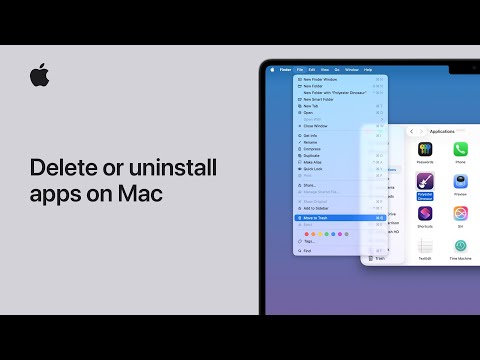
Deleting or uninstalling an app doesn’t remove any documents or other files that you created with the app, though you might need the app in order to open such files. Deleting or uninstalling an app also doesn’t cancel any subscription that you purchased with the app.
Here’s how to delete or uninstall an app on Mac:
You can’t use the Finder to delete apps that are required by your Mac. This includes many apps that are installed by macOS, such as Mail, Music, Books, Notes, Podcasts, Maps, News, and Stocks.
Want to see more of our stories on Google?

P.S. Want to keep this site truly independent? Support us by buying us a beer, treating us to a coffee, or shopping through Amazon here. Links in this post are affiliate links, so we earn a tiny commission at no charge to you. Thanks for supporting independent Canadian media!

