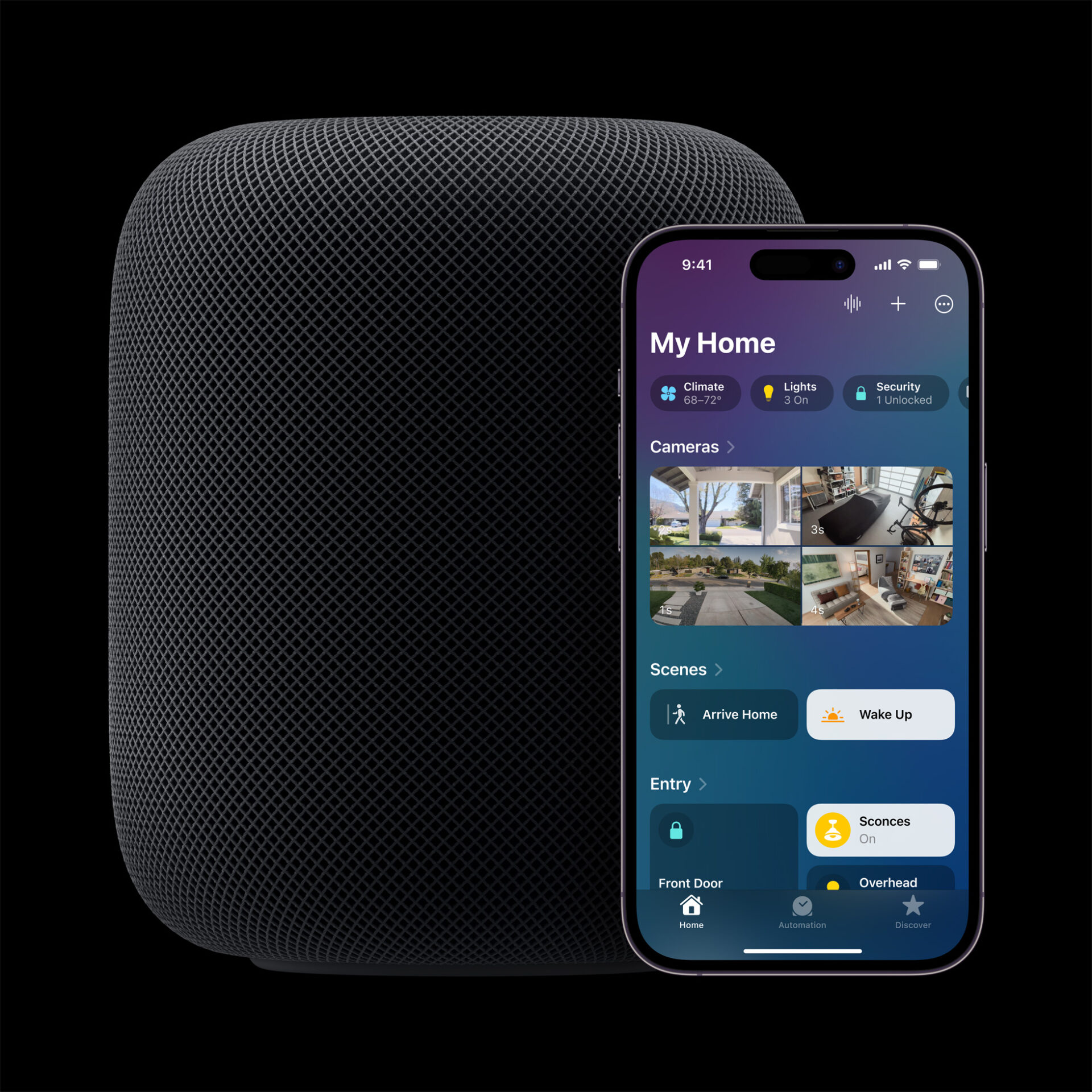
Apple’s Smart Home Hub With Siri AI and Face Recognition Could Launch Next Month
Apple's long-awaited smart home hub could launch as early as next month with facial recognition and Siri AI, according to Mark Gurman.
Two-factor authentication (2FA) is an additional layer of security for your Apple Account designed to ensure that you’re the only person who can access your account, even if someone knows your password.

With 2FA enabled, here’s what you need when you sign in to your Apple Account for the first time on a new device or on the web:
For most accounts, 2-factor authentication is now the default security method. Certain Apple services and features, such as Apple Pay and Sign in with Apple, require 2FA. In addition, Apple recommends that you keep your devices secure by:
When you sign in to your Apple Account on a new device or the web, you might need to enter a verification code. After you sign in the first time, you won’t be asked for a verification code on that device again unless:
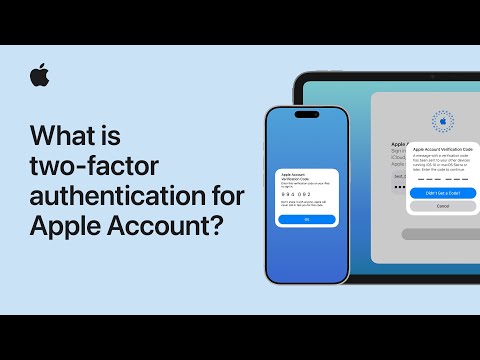
The following Apple tutorial video explains how to turn on two-factor authentication for your Apple Account if it isn’t already enabled.
Want to see more of our stories on Google?

P.S. Want to keep this site truly independent? Support us by buying us a beer, treating us to a coffee, or shopping through Amazon here. Links in this post are affiliate links, so we earn a tiny commission at no charge to you. Thanks for supporting independent Canadian media!

