Samsung to Raise Galaxy A Prices by Up to 19% Because of Memory Costs
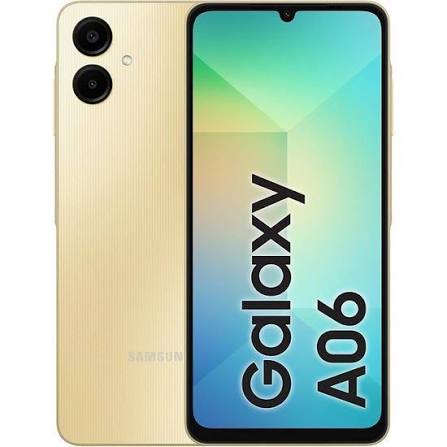
Samsung has introduced price hikes of up to 19% across its Galaxy A smartphone lineup due to mounting manufacturing costs.
Samsung has introduced a new Gallery sync feature with Google storage, making it easier to access and manage photos across Galaxy devices. The integration brings a streamlined cloud sync capability directly into the native Samsung Gallery app.
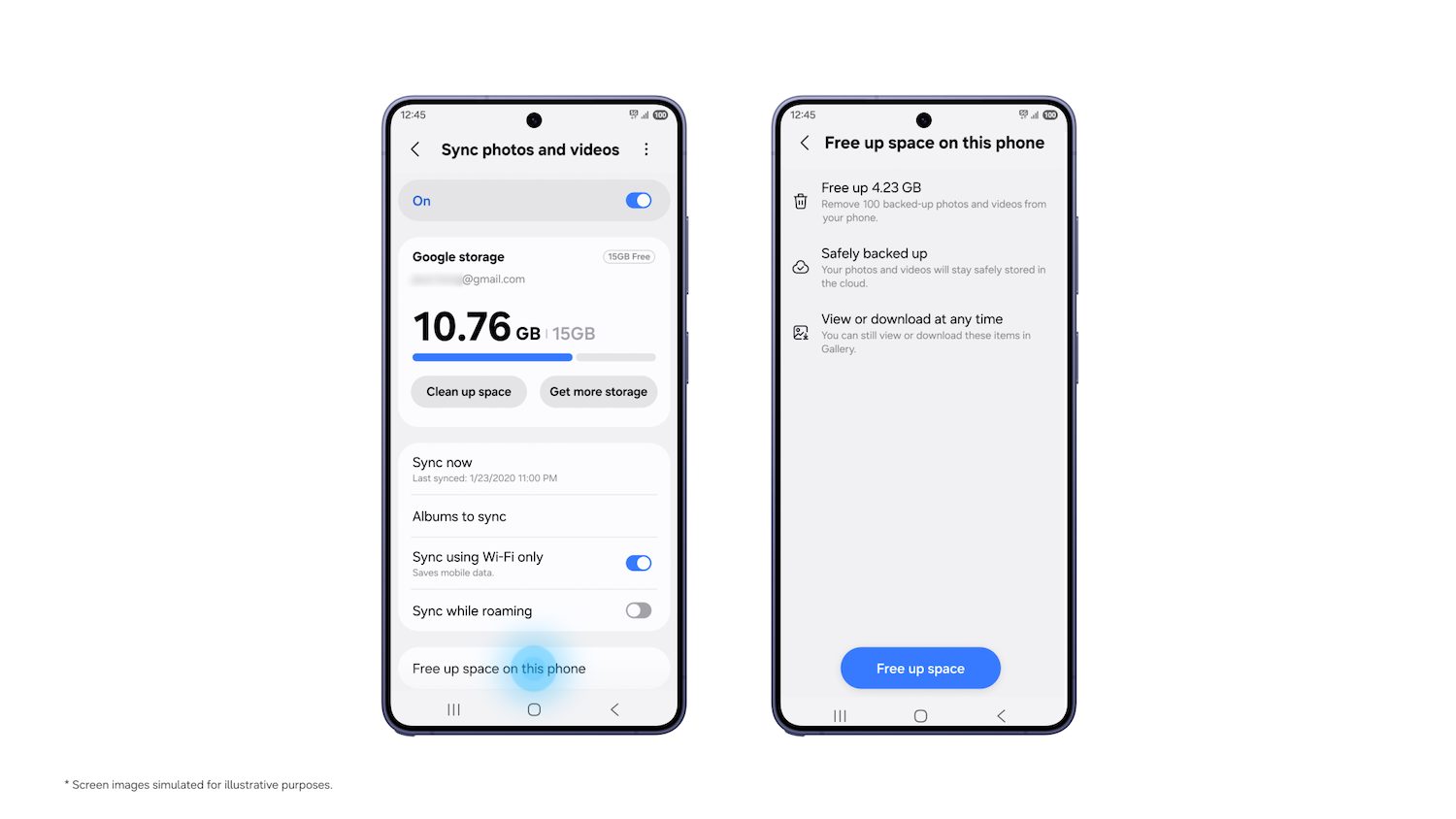
Under the new system, users can connect their Samsung Gallery app directly to their existing Google storage. As long as both the Samsung and Google accounts are active on the device, synchronization can be enabled straight from the Gallery settings without needing to create any separate cloud accounts. This means that photos snapped on a primary Galaxy smartphone can be viewed instantly within the Gallery app on a Galaxy tablet.
The new cross-device capability also introduces clever storage-saving options for users managing large media libraries. When setting up a new Galaxy device, users sign in with the same linked accounts and can immediately browse high-quality previews of their synced photo and video library without having to download every original file right away.
If a full-resolution original file is needed for editing or printing, users can select and download individual files to local storage with a single tap.
Furthermore, the system leverages the user’s existing Google account storage quota, which is shared across Gmail, Google Drive, and Google Photos. Google accounts provide up to 15 GB of storage at no cost, while users requiring extra capacity can seamlessly connect their Google One subscription. Samsung has also incorporated a convenient “free up space” feature to help clear local device memory once files are safely backed up in the cloud.
The new synchronization feature has started rolling out on select Galaxy devices running One UI 9, with broader support expanding across additional regional models in phases.
Want to see more of our stories on Google?

P.S. Want to keep this site truly independent? Support us by buying us a beer, treating us to a coffee, or shopping through Amazon here. Links in this post are affiliate links, so we earn a tiny commission at no charge to you. Thanks for supporting independent Canadian media!