Anthropic’s $81 Billion IPO Tops SpaceX as the Biggest on Record
Anthropic priced its IPO at $83 per share above its initial range, raising $81.3 billion ahead of its Nasdaq debut under ticker ANT.
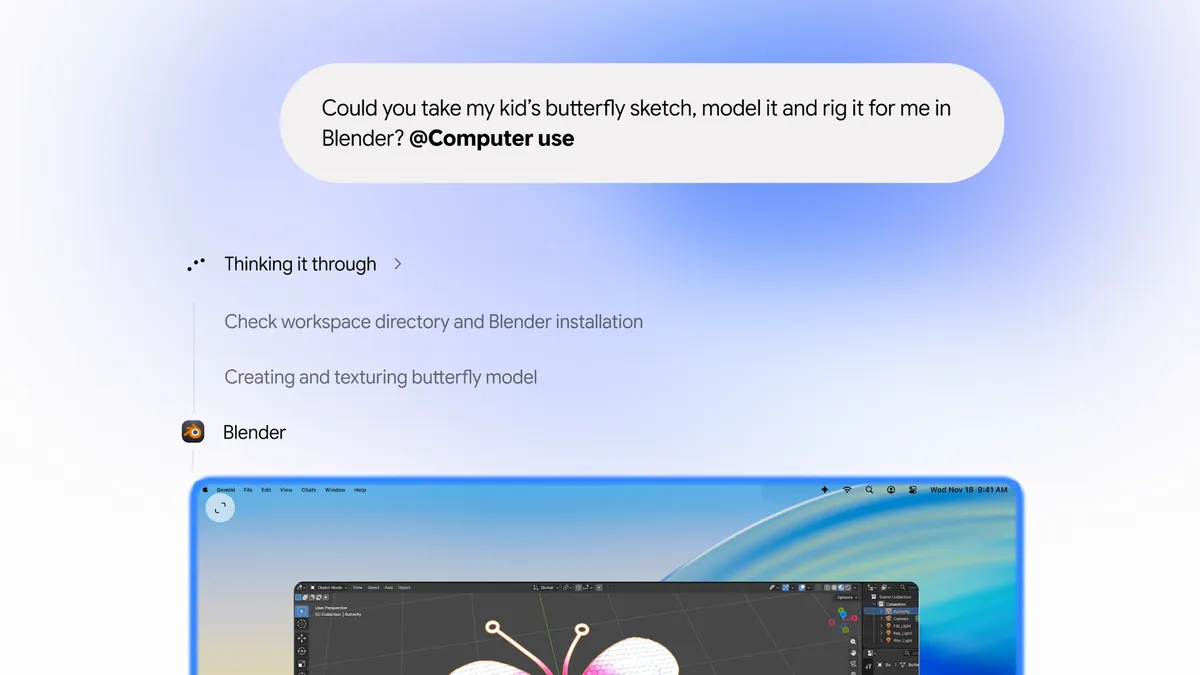
Gemini can now fill out shipping quotes using details from PDFs on your Mac, saving you from copying addresses and package measurements into forms. Google’s new computer-use feature starts rolling out today, but only in English in the U.S.
It follows Google’s launch of Gemini 4 Neon, which gives Pro and Ultra subscribers another model for working through complicated questions and documents. This announcement focuses on taking actions in desktop apps, rather than just answering in chat.
Google says Gemini handles the clicks and typing in a separate background window. You can keep using your main screen and cursor while watching a live preview in the conversation.
Other examples include editing batches of photos, assembling Google Slides presentations from dashboards and preparing clothing resale listings from local pictures.
You choose which apps it can access, can pause its work and must approve key actions. That’s not a promise that it will ask before every click.
The requirements are an Apple Silicon Mac running macOS Sequoia 15.0 or later, a personal Google account for someone aged 18 or older, and Google AI Plus, Pro or Ultra.
Google’s announcement from today gives no Canadian rollout date, but like we’ve seen with other Gemini features, it will likely take its sweet time to rollout here.
What repetitive Mac job would you hand over first, or would you rather keep doing the clicking yourself?
Want to see more of our stories on Google?

P.S. Want to keep this site truly independent? Support us by buying us a beer, treating us to a coffee, or shopping through Amazon here. Links in this post are affiliate links, so we earn a tiny commission at no charge to you. Thanks for supporting independent Canadian media!