With yesterday’s release of iOS 5 Beta 2 to developers, we’ve been receiving lots of tips. Here are the notable changes in iOS 5 Beta 2:
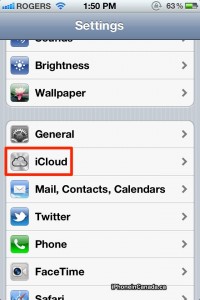
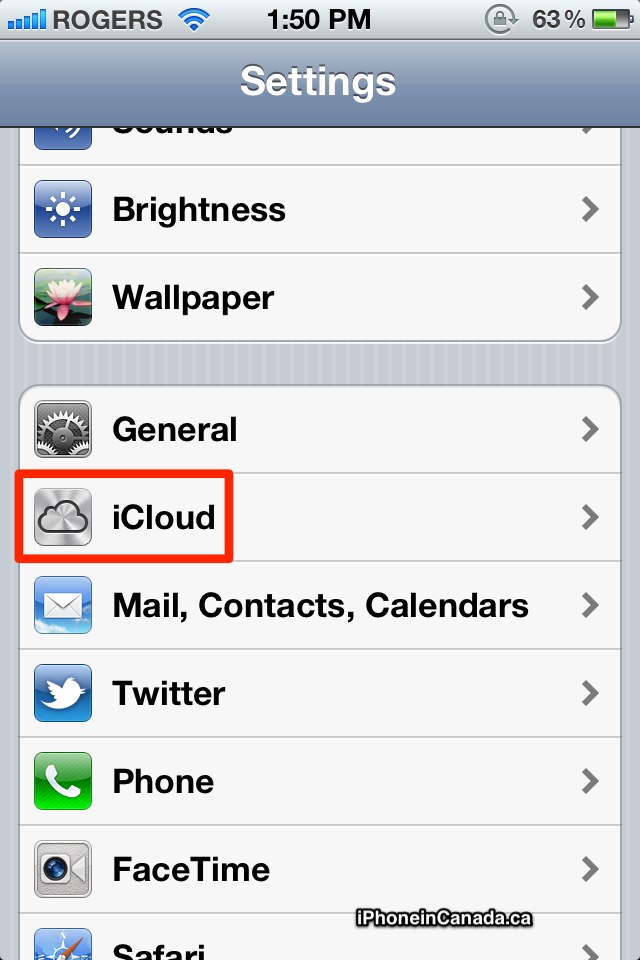
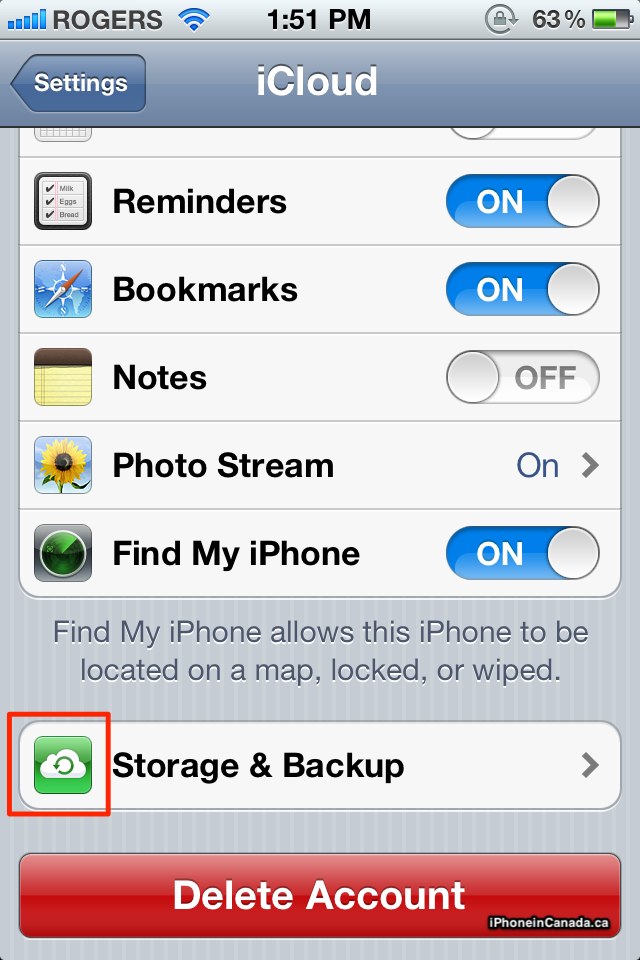
New iCloud icon in Settings; new Storage and Backup icon too:

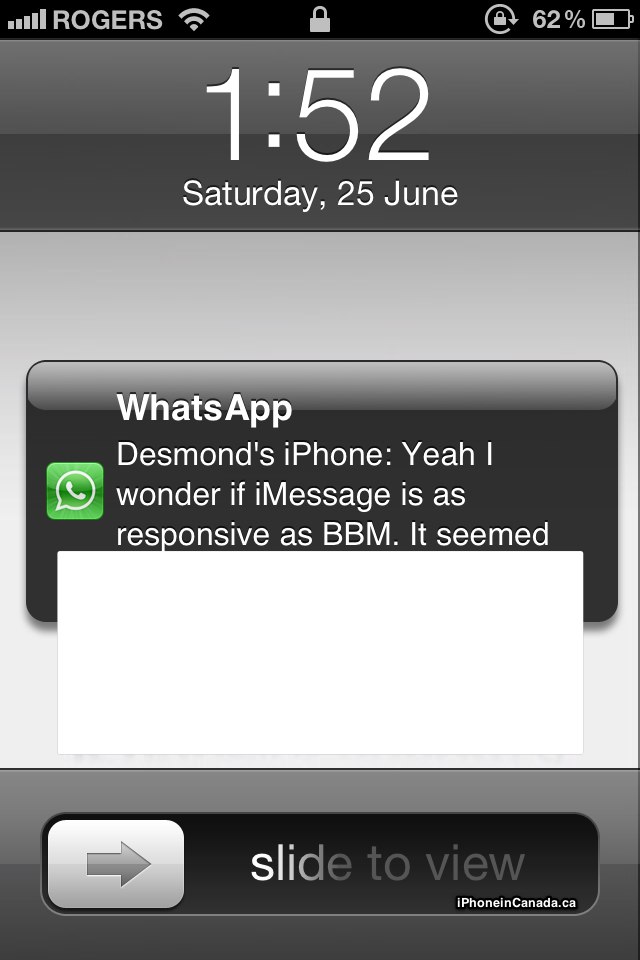
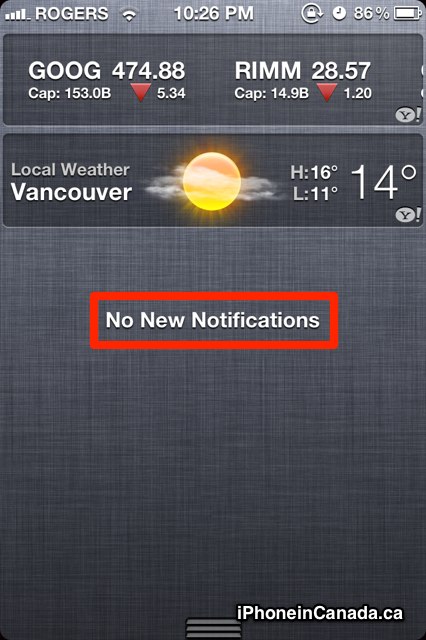
A new larger notification alert; ‘No New Notifications’ message in NC:

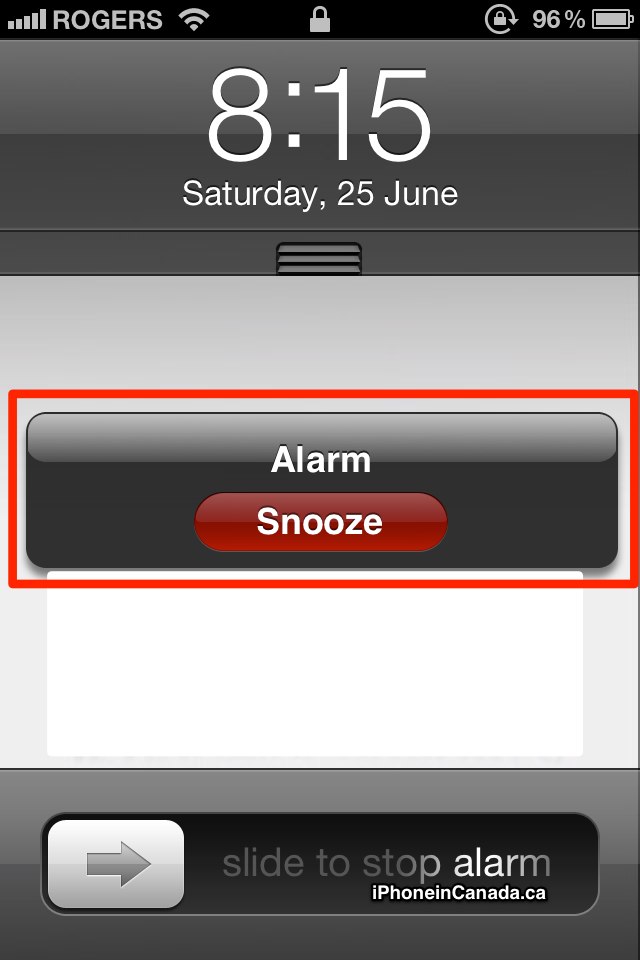
New “All Mail” icon for Gmail accounts; New Alarm popup for Snooze:
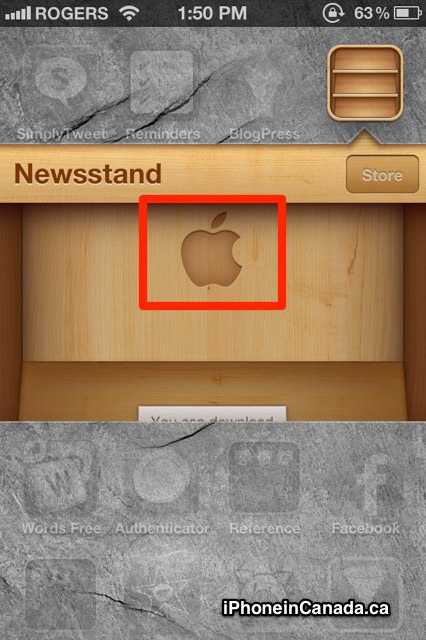
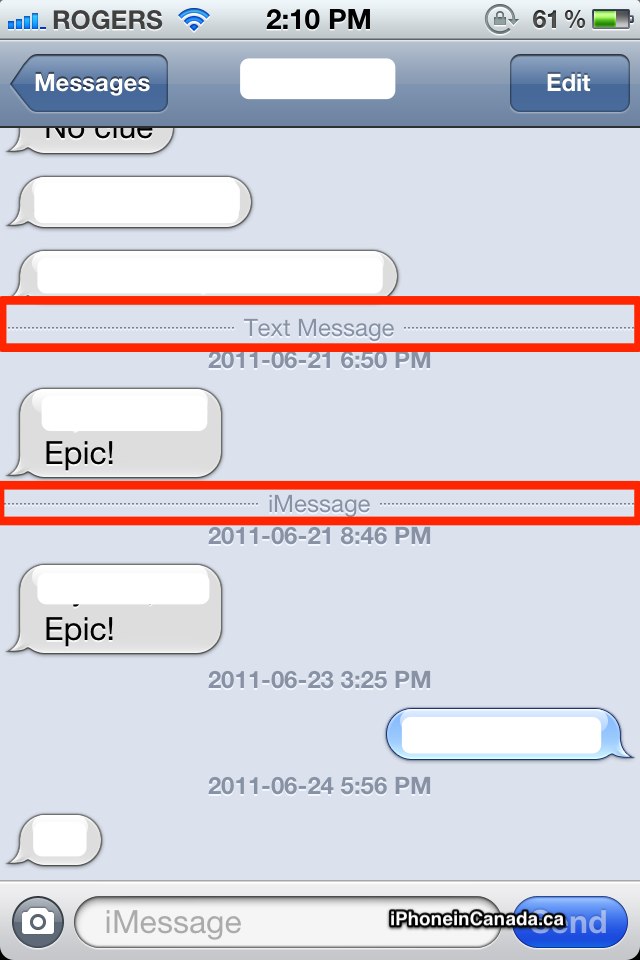
Newsstand ‘Easter Egg’ just like iBooks (this was from Beta 1 too); Messages app gets line breaks:
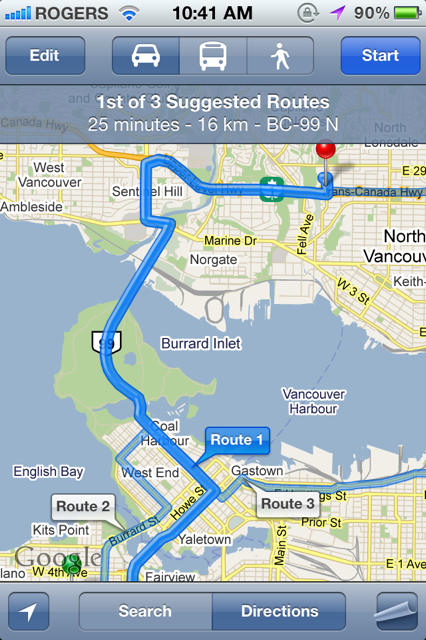
Under “Add Account” in Mail Settings…iCloud is now at the top, and MobileMe has moved to the very bottom; Google Maps suggested routes now have a ‘bolder’ line:
Miscellaneous notes sent in:
- In the Messages app, the keyboard will auto minimize as you scroll up to view older messages
- iTunes WiFi sync must be enabled in iTunes settings first
- 9to5Mac discovered 3G download support for OTA updates
- Beta 2 runs MUCH smoother than Beta 1, less lag
- Wallpapers are back, but are the same as the ones in iOS 4
More to come…stay tuned!





Also “We have disabled FaceTime for iOS beta 2. FaceTime will be re-enabled in the next iOS beta release.” Just a heads up.
In the Messages app, the keyboard will auto minimize as you scroll up to view older messages
FINALLY!
In the Messages app, the keyboard will auto minimize as you scroll up to view older messages
FINALLY!
In the Messages app, the keyboard will auto minimize as you scroll up to view older messages
FINALLY!
The “Syncing” icon no longer displays in the status bar when syncing 🙁
The “Syncing” icon no longer displays in the status bar when syncing 🙁
After iOS 5 beta 2. Some apps just doesn’t work for example CBC and badoo. Just keep crashing. And when you open YouTube through safari web and tap on video it doesn’t give you the controlling icons. It force you to push the home button
After iOS 5 beta 2. Some apps just doesn’t work for example CBC and badoo. Just keep crashing. And when you open YouTube through safari web and tap on video it doesn’t give you the controlling icons. It force you to push the home button
The only thing I really want is accurate times when receiving text messages!! I’m tired of getting texts and the entire conversation is grouped under one time block even when it took place over a period of 20 minutes. If my wife sends a text at 11:03:30 and another one at 11:06:25 why can’t the iPhone display that?
The only thing I really want is accurate times when receiving text messages!! I’m tired of getting texts and the entire conversation is grouped under one time block even when it took place over a period of 20 minutes. If my wife sends a text at 11:03:30 and another one at 11:06:25 why can’t the iPhone display that?
Yes it does!
Yes it does!
Really? :O I have synced twice USB, and once WIFI, never saw the icon pop up even once…
I’ve always had the “All Mail” folder in my gmail acct folder listing.
I’ve always had the “All Mail” folder in my gmail acct folder listing.
I’ve always had the “All Mail” folder in my gmail acct folder listing.
Yeah, but the colored icon is new.
Yeah, but the colored icon is new.
Yeah, but the colored icon is new.
Yeah, but the colored icon is new.
Agreed! It was a pain to try to view older messages with the keyboard in the way.
I also agree that the update should have more accurate times when the txt was received insteading of groupin them under one time.
 When is this releasing to the general public???
 When is this releasing to the general public???
 When is this releasing to the general public???
Fall 2011
 Cool thanks!
 Cool thanks!
Oh Gary, they also added more tones for txt, voicemail, mail, and you can change the tone for the reminders app!
Oh Gary, they also added more tones for txt, voicemail, mail, and you can change the tone for the reminders app!