As reported by 9to5Mac, Apple has included a new default ringtone with the iPhone X called ‘Reflection’, replacing the ‘Opening’ ringtone which has been the default option for every iPhone since iOS 7. The ringtone was dug up from the iOS 11 firmware for iPhone X.
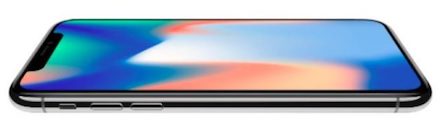
The ‘Opening’ ringtone is however still available in the Sound settings, so you can always switch back to it or any other ringtone on your shiny new iPhone X. You can easily change ringtones on any iPhone by opening the Settings app and navigating to the Sounds -> Ringtone pane.
This is the first time Apple has launched a ringtone as an exclusive ‘feature’ of a new iPhone model. Even the 2007 original iPhone ringtone, ‘Marimba’, is still offered for those who have gotten used to it.
If you restore from an iCloud backup, your current ringtone settings will be preserved, so your ringtone won’t change out of the box. You can of course go into the preferences and select the new ‘Reflection’ tone if you want to try it out.
The iPhone X exclusive ‘Reflection’ ringtone is embedded below so you can listen to it ahead of the phone’s release on Friday, November 3rd. Let us know how you like it.




“Let us know how you link it.”???
Looks like somebody forgot to get his afternoon coffee. Lol
Click on the top right corner where it says ‘share’ there’s your link.
I think I used ring tones in 2005.
Put it on my iPhone 6
Anyone know how to add it to the iPhone ringtones folder?