EB Games to Open Official Nintendo Store-Within-a-Store Experience in Toronto
EB Games Canada has announced a new Nintendo store-within-a-store opening at its flagship Toronto location on October 17.
Did you know that your iPhone can continuously listen for certain sounds, such as a crying baby, doorbell, or siren, and notify you when it recognizes these sounds? Well now you do, and here’s how you can use this handy feature.
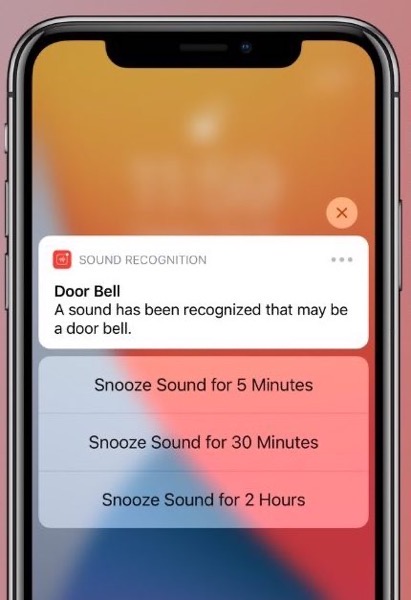
All you need to do is turn on the built-in Sound Recognition feature in iOS 14 to receive notifications when your iPhone or iPad detects certain sounds.
To enable the feature:
To quickly turn Sound Recognition on or off, you can also use the Control Center.
Note: Don’t rely on your iPhone to recognize sounds in circumstances where you may be harmed or injured, in high-risk or emergency situations, or for navigation.

Want to see more of our stories on Google?

P.S. Want to keep this site truly independent? Support us by buying us a beer, treating us to a coffee, or shopping through Amazon here. Links in this post are affiliate links, so we earn a tiny commission at no charge to you. Thanks for supporting independent Canadian media!