When my iPhone was running 1.1.1 firmware, I was able to freely use ScreenShot, a handy 3rd party app that took screenshots of my iPhone.
I used this program to post reviews of the latest games and programs for your iPhone. Readers also go involved in my iPhone Homescreen Screenshot post. Unfortunately, at the time users on 1.1.2 firmware could not participate because ScreenShot was not compatible. *tear*
Well folks, that has all changed with the latest screenshot utility, conveniently named, Capture (from Digital Agua)! It works pretty much the exact same as Screenshot, but I happen to like the interface better. For starters, the “Snap” button is larger, plus there’s a button to exit. Also, you can move the “Snap” button around your homescreen by dragging it with your finger. Pictures are automatically saved to your camera roll!
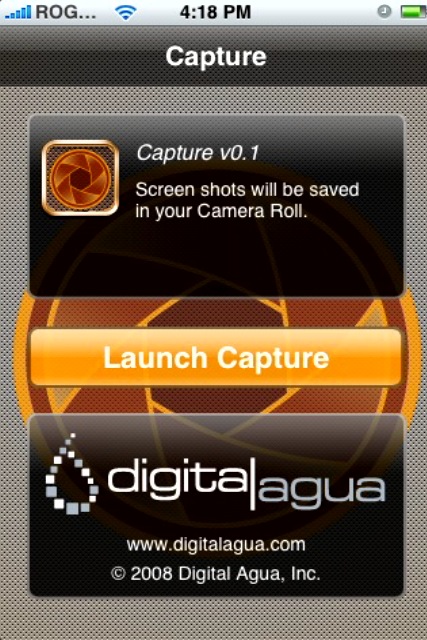
Capture has been available on Installer for a little while now. It’s under the Utilities category. Install it today! Here is a screenshot taken by Capture of the opening screen:
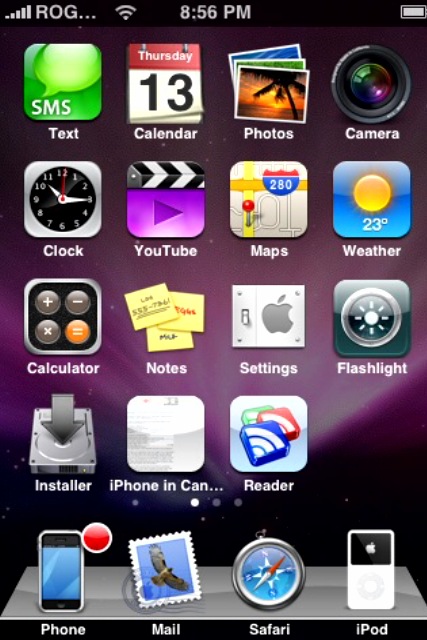
…and my current 1.1.4 homescreen!
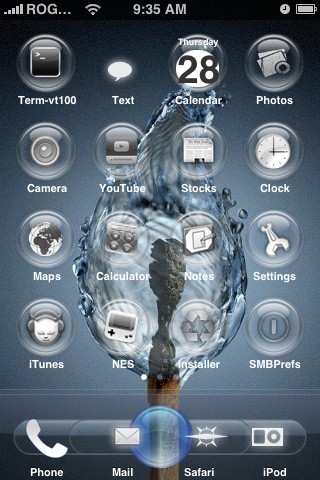
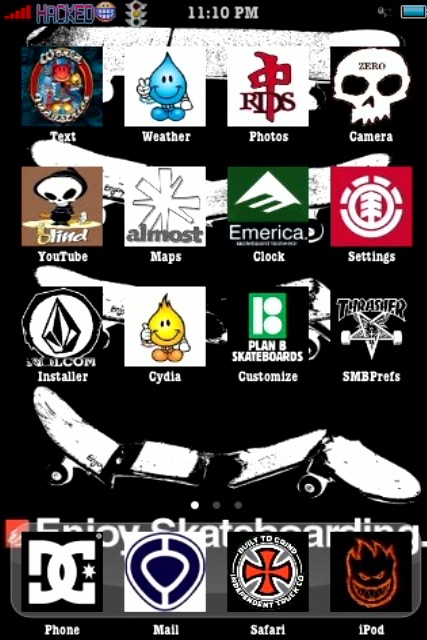
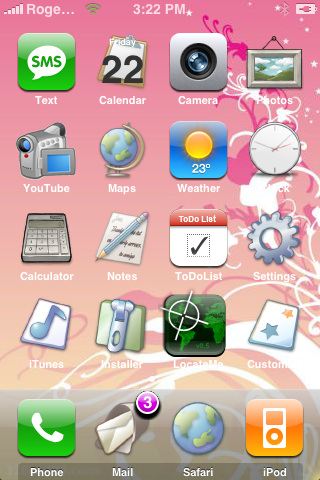
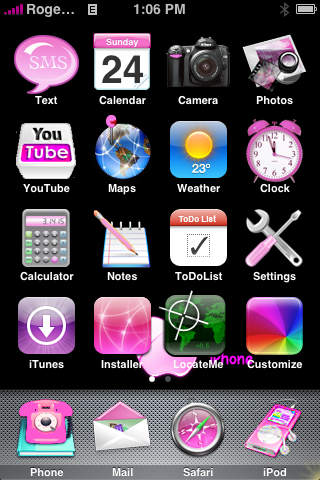
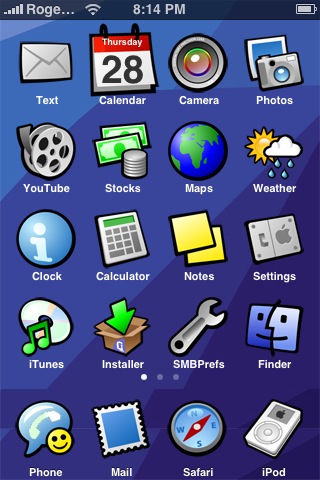
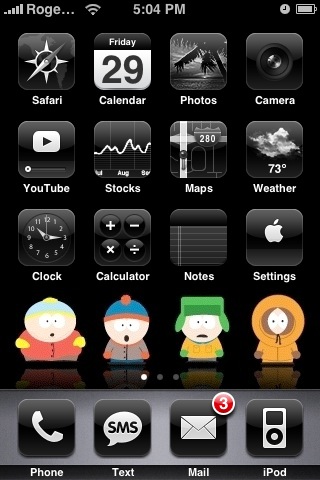
I have been accumulating some more homescreen screenshots sent in by readers. Here they are, in no particular order! Some of you guys and girls have some very unique homescreens (Thanks Colin, Jordan, Dusty, Amanda, Michael B., and Padmesh!):
Keep those homescreen screenshots coming in everyone! Email them to iphone.in.canada AT gmail DOT com!
Today kicks off the 2024 NHL playoffs as 16 teams battle it out for the Stanley Cup, with playoff hockey marking the best time of the year for fans, especially since we have four Canadian teams in the postseason this year. How to watch and stream the 2024 NHL playoffs in Canada? You’ll be able...
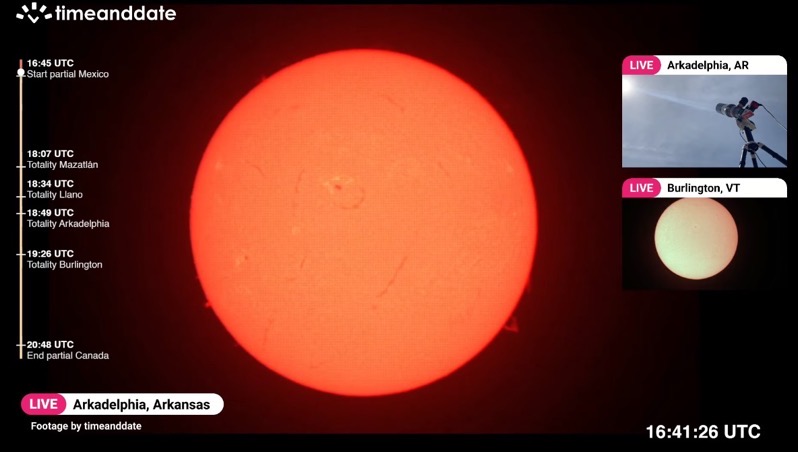
Today is the day where a once-in-a-lifetime event will take place with a total solar eclipse, where the moon will pass by in front of the sun and cast its shadow (umbra) on Earth. In order to see the total solar eclipse live, you’ll need to be in a location where the path of totality...
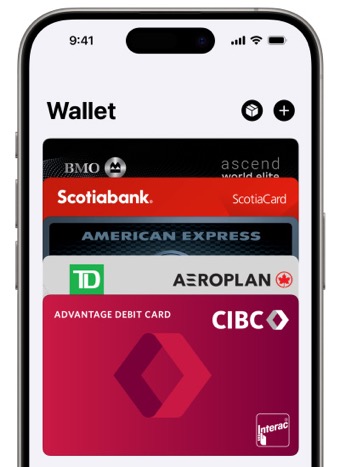
Last month, when we wrote about Ontario debuting its One Fare program, we noted that PRESTO Apple Wallet support was still missing in action on the TTC. But despite the lack of official PRESTO card support in Apple Wallet on the iPhone, it’s still possible to use the latter to tap to pay—without unlocking your...