
You Can Now Jailbreak iOS 16.4.1 with Palera1n 2.0.0 Beta 6
Codenamed Bakepale, the latest v2.0.0 beta 6 update to jailbreak tool Palera1n has just been released, which fully supports iOS 16.4 - iOS 16.4.1 jailbreak.
I remember, about 4 years ago, when I had my little Sony w810i phone, I could transfer all kinds of different files to other phones and computers. Well, MeDevil, the creators of “iBluetooth” for iPhone OS 2.x.x, have released “iBlueNova”, for iPhone OS 3.x.x, which allows you to transfer ANY file from/to your jailbroken iPhone, over Bluetooth.
iBlueNova uses the “BT Stack” mod, to really open up your Bluetooth to transfer any file on your iPhone. Photos, music, video, ringtones, plus any file from your root folders. Sending a file is really easy. Just open up iBluenova, and tap the enable button. Choose your file and tap the “Send” icon. iBlueNova will then search for any available Bluetooth devices. Make sure your receiving device is discoverable, then choose it from the list, and away it goes.
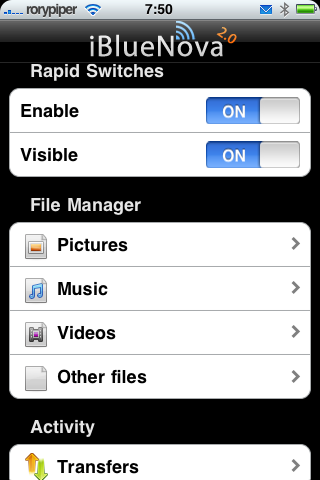


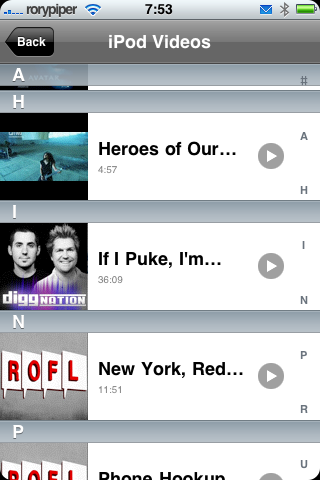
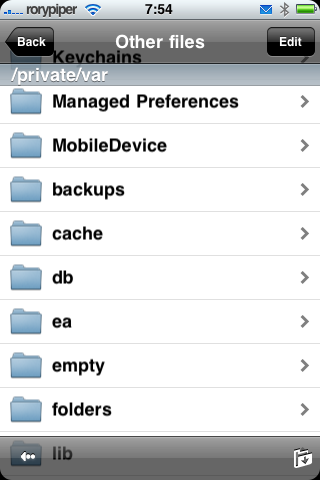
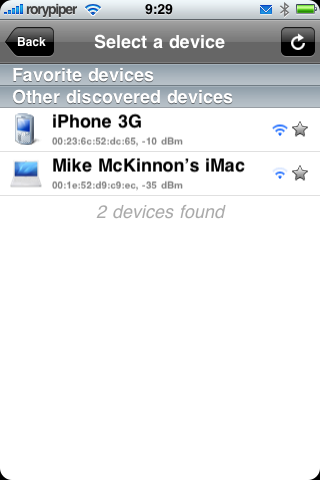
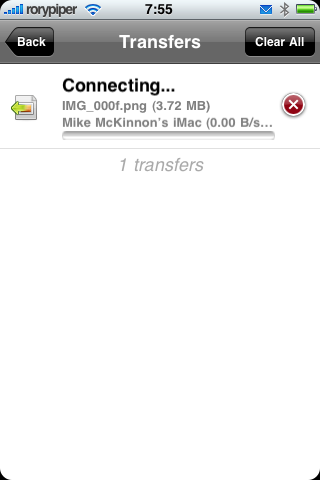
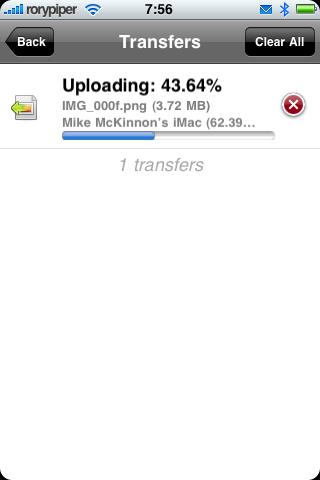
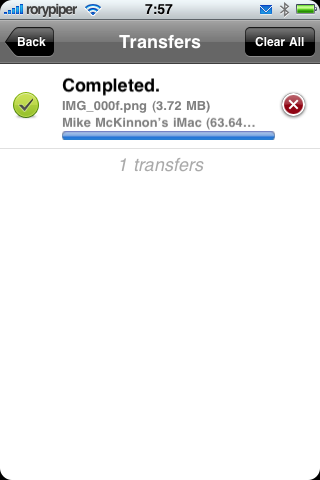
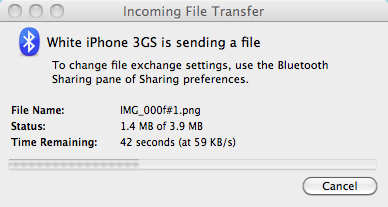
On the receiving end, you will have to accept the incoming transfer. On a Mac, you will see something like this:
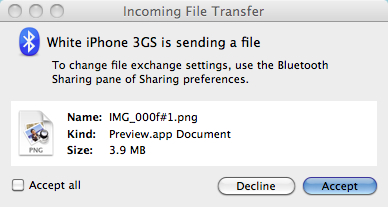
On another iPhone, you will see this:
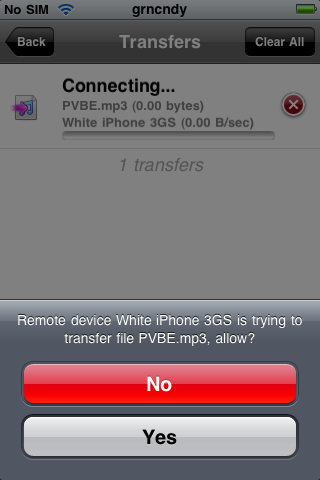
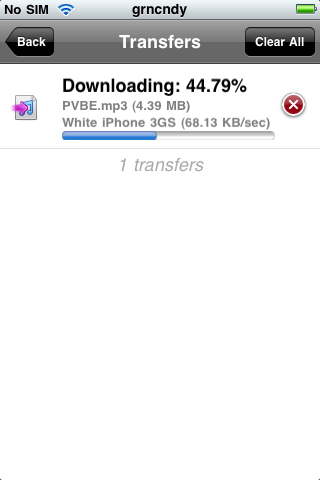
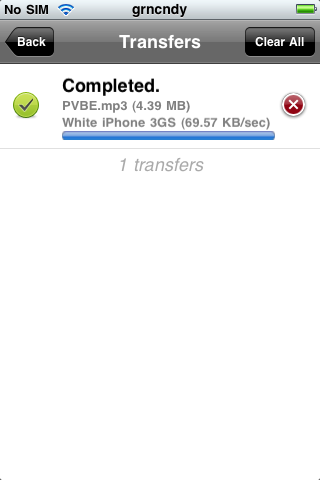
One drawback, when receiving most files on your iPhone, is the files are not automatically imported to your camera roll or iPod app. Most files can only be transferred to: private/var/mobile/Media/Downloads. You will have to manage your downloaded files with programs like DiskAid, or via OpenSSH and your FTP program of choice. In the settings, you can enable photos to be saved to your camera roll.

iBlueNova is a very useful file transfer tool, but the price is a little steep, for a Cydia app. It’ll cost you $5.99 USD. If this is a feature you have been craving, then it may be worth it for you.
Here’s a quick demo of me transferring a wallpaper from an iPhone 3GS to an iPhone 3G, with iBlueNova:
Thanks for reading. You can follow me on Twitter: @rorypiper, and you can read more of my stuff over at Green Candy. If you have any questions, feel free to post them below.
Want to see more of our stories on Google?

P.S. Want to keep this site truly independent? Support us by buying us a beer, treating us to a coffee, or shopping through Amazon here. Links in this post are affiliate links, so we earn a tiny commission at no charge to you. Thanks for supporting independent Canadian media!


Question is how long would this program be use when iphone OS 4.0 is just around the corner – assuming it only works for OS 3.x. Free upgrade to OS 4.0 if you purchase now?
When enabling iBlueNova, will it turn on the iphone bluetooth for you or you have to turn the bluetooth on first before starting and enable iBlueNova?
If you had purchsed “iBluetooth”, this a free upgrade. I would assume the next version would be the same.
When you open iBlueNova, and tap “Enable”, it turns Bluetooth on for you. Then turns it off when you exit the app.
Great thank you.
I guess in order to transfer files between iphones, the recipient will need to have iBlueNova installed.
Yes, that's correct.
I also remember transferring files over Bluetooth to my candy bar Nokia phones that had Bluetooth. MP3s, pictures, etc. Too bad we can't do this over Bluetooth with the iPhone, but man, iBlueNova looks pretty sweet.
I had a nice little Motorola Rizr Z6 (the Europeon version) and could transfer anything via bluetooth no problem. With my iPhone, i can't connect to anything via bluetooth (not jailbroken) – what is the point of the software if it can't be used!!??
Good job on the post!
Hi: I just purchased the new Kobo e-reader because it is Bluetooth enabled – possible to bluetooth a book from mobile phone to the reader. Only problem – only with Blackberry because iPhone does not have the bluetooth file transer ability – until iBlueNova. I installed iBlueNova and have linked my iphone and Kobo e-reader successfully. My problem is how to locate the e-books on my iphone after initiating iBlueNova. I click on “other files” but where are the books? Many thanks!
Hi: I just purchased the new Kobo e-reader because it is Bluetooth enabled – possible to bluetooth a book from mobile phone to the reader. Only problem – only with Blackberry because iPhone does not have the bluetooth file transer ability – until iBlueNova. I installed iBlueNova and have linked my iphone and Kobo e-reader successfully. My problem is how to locate the e-books on my iphone after initiating iBlueNova. I click on “other files” but where are the books? Many thanks!
i have ipod touch 2g 3.1.3 jailbreaked, iBluenova works perfectly for sending files to other mobile, but i'm unable to receive any file from other devices. Each time it becomes stuck while receiving ( e.g on 0% or 6% ). I can send files but cannot receive real bad thing. I have reinstalled iBluenova many times and even restarted my ipod too but get no result same story ( able to send unable to receive ) NEEEEEEEED HElp… plz Help me
I had a nice little Motorola Rizr Z6 and could transfer anything via bluetooth no problem.
is there nothing better then medevils crap that does not really work properly? i remember a rival dev was making an app who claimed medevil stole their code. did they ever finish making it?
I am using iphone4 with gevey sim in India, how can I use bluetooth to transfer any files from my iphone to any other mobile (other than iphone) or vice-a-versa.
Well what’s the point in writing your post? If you wanna use this software, just jailbreak your phone!