

Simplii Financial’s New Banking App Can Automatically Split Your Paycheque
Simplii Financial is rolling out a redesigned mobile banking app on iOS and Android, refreshed branding and new tools that will let Canadians automatically divide their paycheques into different spending and savings categories without opening multiple bank accounts. The CIBC-owned digital bank announced the changes on Tuesday, with its new Simplii Account introducing customizable folders...


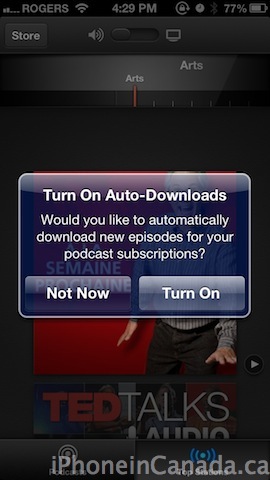
Reading the change log, doesn’t seem like they fixed my issue. My issue wasn’t with auto-downloads, but when I actually went to play a podcast it would download it multiple times. A 34 MB podcast used up 100 MB of data and I didn’t even finish listening to it. That of course was before this update so I’ll have to test again on Monday, but doesn’t sound like it was fixed.
This app cost me $100 in extra data on my 6gig per month data plan last month. I deleted it and will be very reluctant to trust it again.
Why not deselect the cellular data access for this app until you trust it fully?