Apple has released a 7.7.2 firmware update for the 802.11ac AirPort Extreme and AirPort Time Capsule. The update fixes an issue related to USB hard drives and Time Machine, plus issues related to loss of network connectivity in WAN connectivity and more.
- Addresses an issue that prevents a USB hard drive connected to an AirPort Extreme from appearing as an available disk in Time Machine
- Resolves an issue that may intermittently cause a loss in WAN connectivity
- Resolves an issue that may result in a network loop
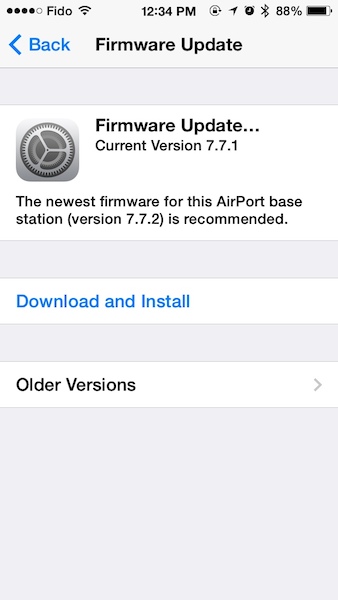
The easiest way to install the firmware update is to launch AirPort Utility (you’ll need to download it from the App Store if you don’t have it already) on your iPhone or iPad and install it that way. The update should show up next to the image of your device and you just tap and follow the prompts.



