
How to Claim Your $95 Cash in Apple’s $250 Million Siri AI Lawsuit
Apple's official $250 million settlement portal is live, offering up to $95 to US users impacted by delayed Siri AI features on iPhone 16 and 15 Pro models.
Yesterday, during Apple’s opening keynote at WWDC the company announced a new version of iOS with loads of new features for users and developers.
A new feature of iOS 8, which was not focused on in yesterday’s keynote, is the ability for an app to display information on your lockscreen based on your location. For example, if you walk up to an Apple retail store the Apple Store app icon will appear in the bottom left-hand corner of your lockscreen.
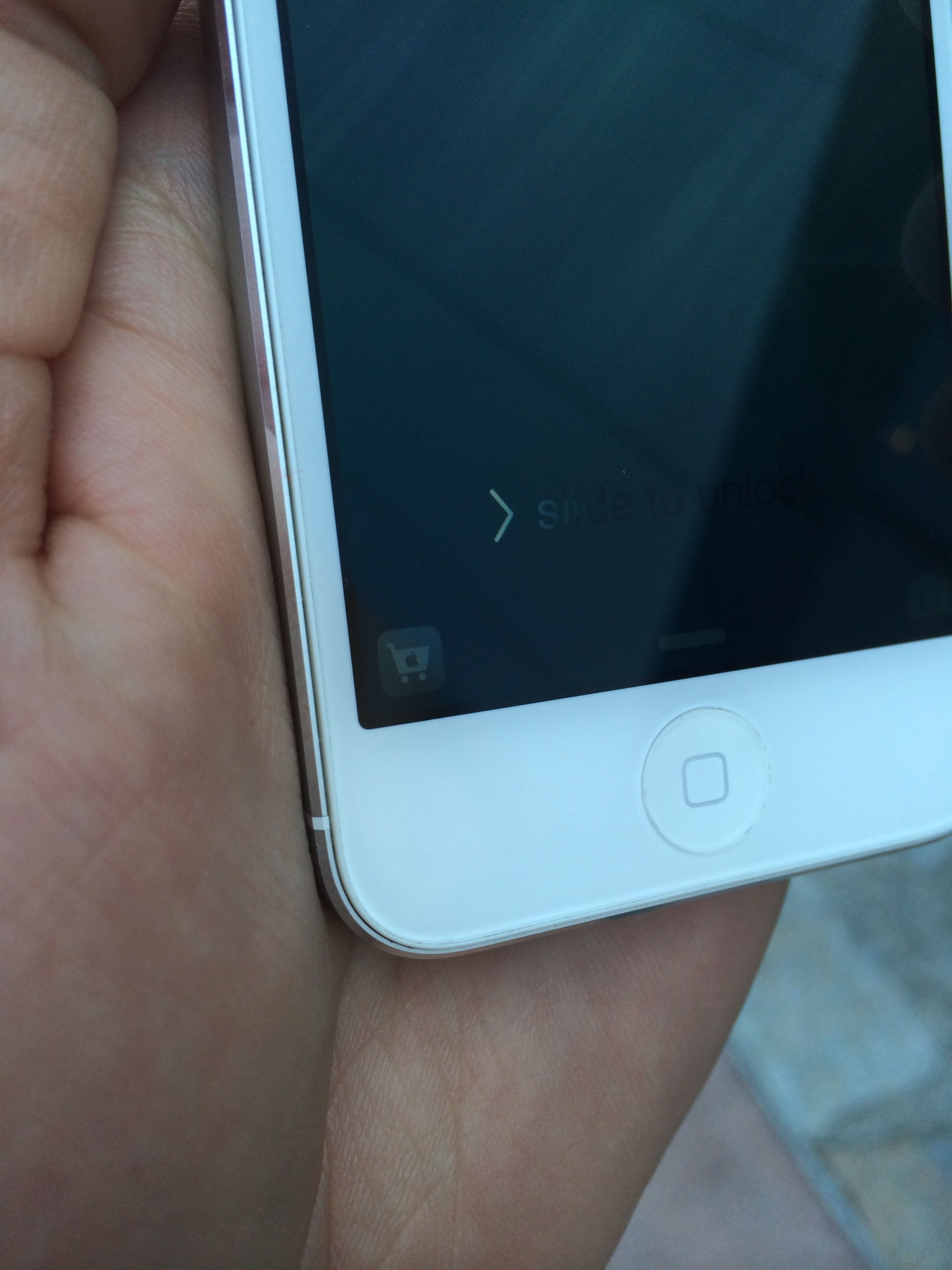
Much like the camera button already located on the bottom right of your lockscreen, users will be able to swipe up on the app’s icon and they will be launch directly into that app.
During its keynote, Apple demoed a feature that allows users to seamlessly transition from one device to another. For example, if you are working on an email on your iPhone and then you pick up your iPad, your iPad’s lockscreen will show the Mail app icon on the bottom left corner. If you swipe up on the icon you can pick up right where you left off on your iPhone.
Here is a snippet from Apple’s publicly available iOS 8 documentation:
“When Location Services is turned on, the device’s current location is used to recommend relevant apps on the lock screen.”
As we approach the release of iOS 8, which is scheduled for the fall, we should hear much more about this new location-based lockscreen feature. The new feature may become a great tool for brick and mortar stores around the world.
[via iDownloadBlog (Image Credit)]
Want to see more of our stories on Google?

P.S. Want to keep this site truly independent? Support us by buying us a beer, treating us to a coffee, or shopping through Amazon here. Links in this post are affiliate links, so we earn a tiny commission at no charge to you. Thanks for supporting independent Canadian media!


Just bring in the 5.5 inch model. After using some friends’ Samsung Galaxy Note 3 for two weeks I can’t even look at my iPhone 5S anymore. I was skeptical first but…much better experience and much more things you can do on a 5+ inch screen! Carrying both an iPhone and an iPad was a pain and this size of ‘phablet’ is 2-in-one!
+1. I find that people who have a closed mind will always tell themselves that what they have now in terms of size is simply fine. Bigger is better when you use a smartphone.
Yup, bigger is better. 5.5″ is puny. Bring on the 7″ and 10″ phones. lol
I have the iPhone 5 and personally I do to want anything bigger but it looks like the 4.7″ rumour might be true which I could live with. Seeing people with “phones bigger then 5” looks weird, doesn’t look like a phone at all. If you want something bigger, buy the mini.
With that said I can’t wait for the release of iOS 8. I hated having to save things to the cloud or as drafts until I reached PC to carry on.
This is going to be a huge battery drsiner. Thats why I disable all my location services except Find Me and only turn them on when I need to use them.
My phone already does this with Passbook, and my battery life is fine, so I don’t see how this is going to drain the battery any differently.