With the iPhone 6 and iPhone 6 Plus launch set for this Friday, the launch of new bigger screens will surely bring Android users back to the iOS ecosystem.
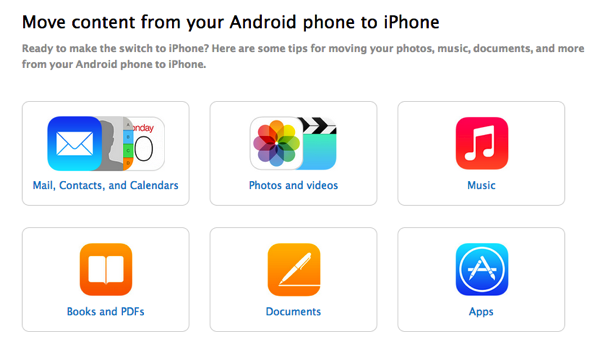
How to move all your content from your Android phone to the iPhone? Apple has you covered, as a new support document from the company explains exactly that, with specific instructions on moving mail, contacts, calendars, photos, videos, music, books and PDFs, documents and apps back to the iPhone.
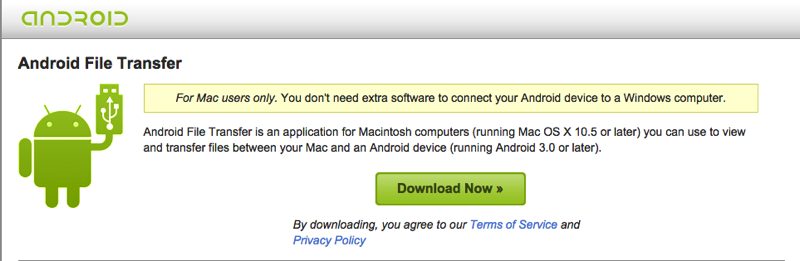
Apple suggests using data transferring apps such as Copy My data for iOS and Android to allow users to easily transfer over contacts and calendars, which is an interesting suggestion. When it comes to moving over music, books, PDFs and photos, Apple says Mac users should use Android File Transfer as a solution.
Poll: Are you moving from Android to iPhone 6?
Want to see more of our stories on Google?
P.S. Want to keep this site truly independent? Support us by buying us a beer, treating us to a coffee, or shopping through Amazon here. Links in this post are affiliate links, so we earn a tiny commission at no charge to you. Thanks for supporting independent Canadian media!
Subscribe
3 Comments
Oldest
NewestMost Voted
RyleyLamarsh
11 years ago
BRING ON THE TROLLS
stephenontario
11 years ago
Reserved one but decided I’m not picking it up, love my Nexus 5, couldn’t come up with any reason to blow $400+ETF and lose my 6GB data plan with Bell, happy with my decision!
Avata
11 years ago
Or simply use Backuptrans Android SMS + MMS to iPhone Transfer to move SMS & MMS messages from Android to iPhone. All messages will be merged perfectly on your new iPhone.
The biggest rivalry in international soccer is set to write its latest chapter today as Argentina and England face off in a highly anticipated 2026 FIFA World Cup semifinal. With a spot in the final on the line, Canadian soccer fans can catch all the action live as the tournament reaches its thrilling climax. This...
Canada vs Morocco: How to Watch the World Cup Round of 16 in Canada Canada plays its biggest match of the World Cup this Saturday, July 4, when the men's national team faces world No. 6 Morocco in the Round of 16 in Houston. It's the first time Canada has ever reached the last 16...
Canada's historic FIFA World Cup run hits a massive checkpoint Wednesday afternoon when the men’s national team takes on Switzerland in the Group B finale at BC Place in Vancouver. After a 6-0 thrashing of Qatar fueled by a brilliant Jonathan David hat trick, the entire nation is buzzing. This decisive game determines who tops...



BRING ON THE TROLLS
Reserved one but decided I’m not picking it up, love my Nexus 5, couldn’t come up with any reason to blow $400+ETF and lose my 6GB data plan with Bell, happy with my decision!
Or simply use Backuptrans Android SMS + MMS to iPhone Transfer to move SMS & MMS messages from Android to iPhone. All messages will be merged perfectly on your new iPhone.