Dan Moren from Six Colors has noticed a new feature in iOS 9 that allows users to take almost anything you are looking at on your iOS device and turn it into a PDF document.
This is a feature that Mac OS X has had for a long time in the form of “Save to PDF” in the print settings. In iOS 9, the feature is included in the Share sheet as “Save PDF to iBooks,” which means that third-party developers would have to implement Apple’s standard Share sheet into their application in order to give users that feature.
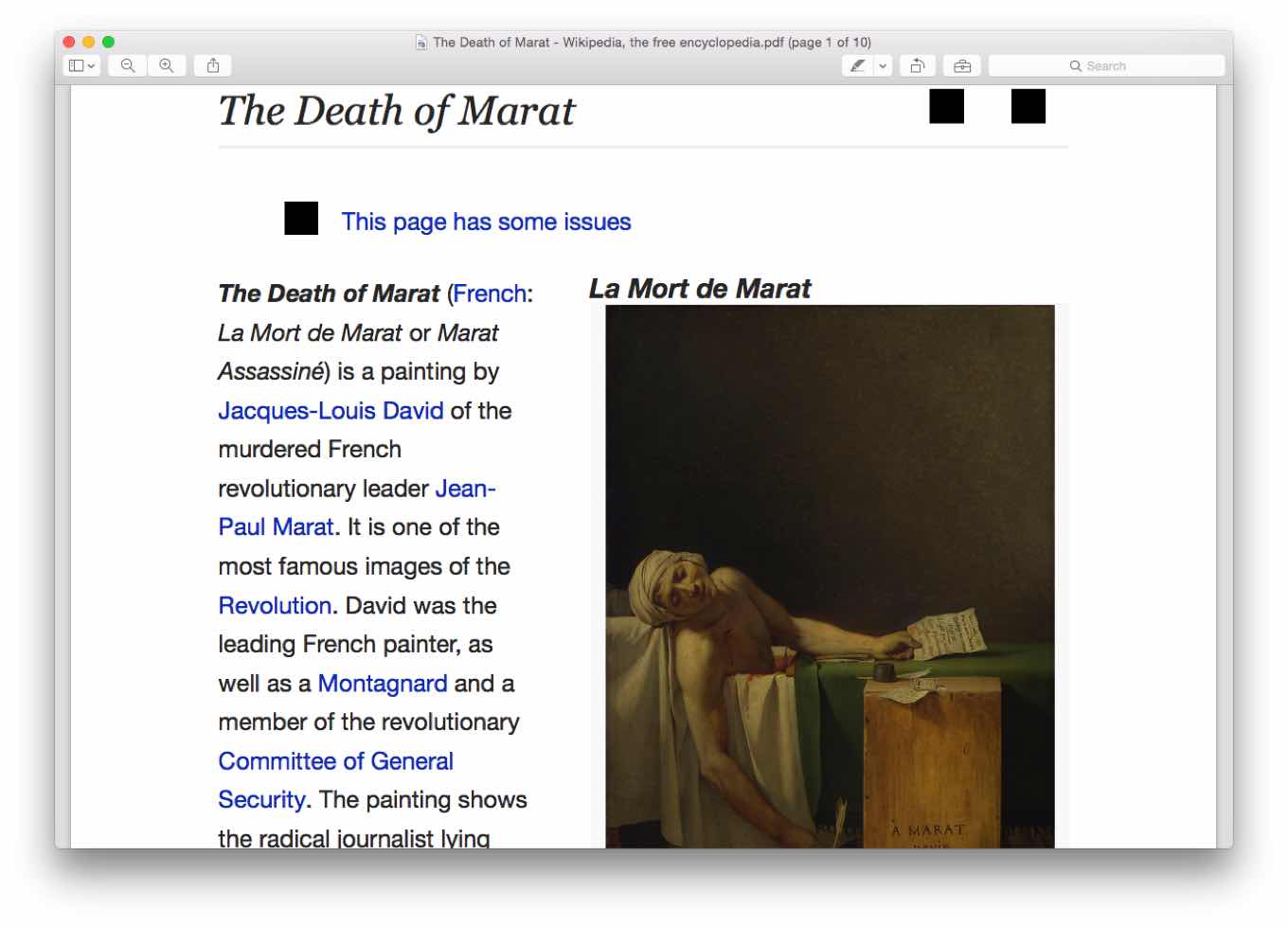
For example, you can turn a webpage in Safari into a PDF that is automatically saved to iBooks, alongside all the other PDFs you have stored in the application.
The application is particularly useful for webpages because it keeps all the text formatted, searchable, and copyable.



I don’t have that option.
It’s on the same row as Email, Notes, Message… the one right under Airplay, and not the third (bottom) one.