

Beat The Price Hike: Apple Prime Day Deals End Tomorrow
Amazon's Prime Day deals are entering their final hours ahead of Thursday's end, so here's your last chance at picking up some deals. There are some Apple devices on sale right now, which is the time to jump on after the company jacked up prices today across Mac, iPad and more due to memory shortages....
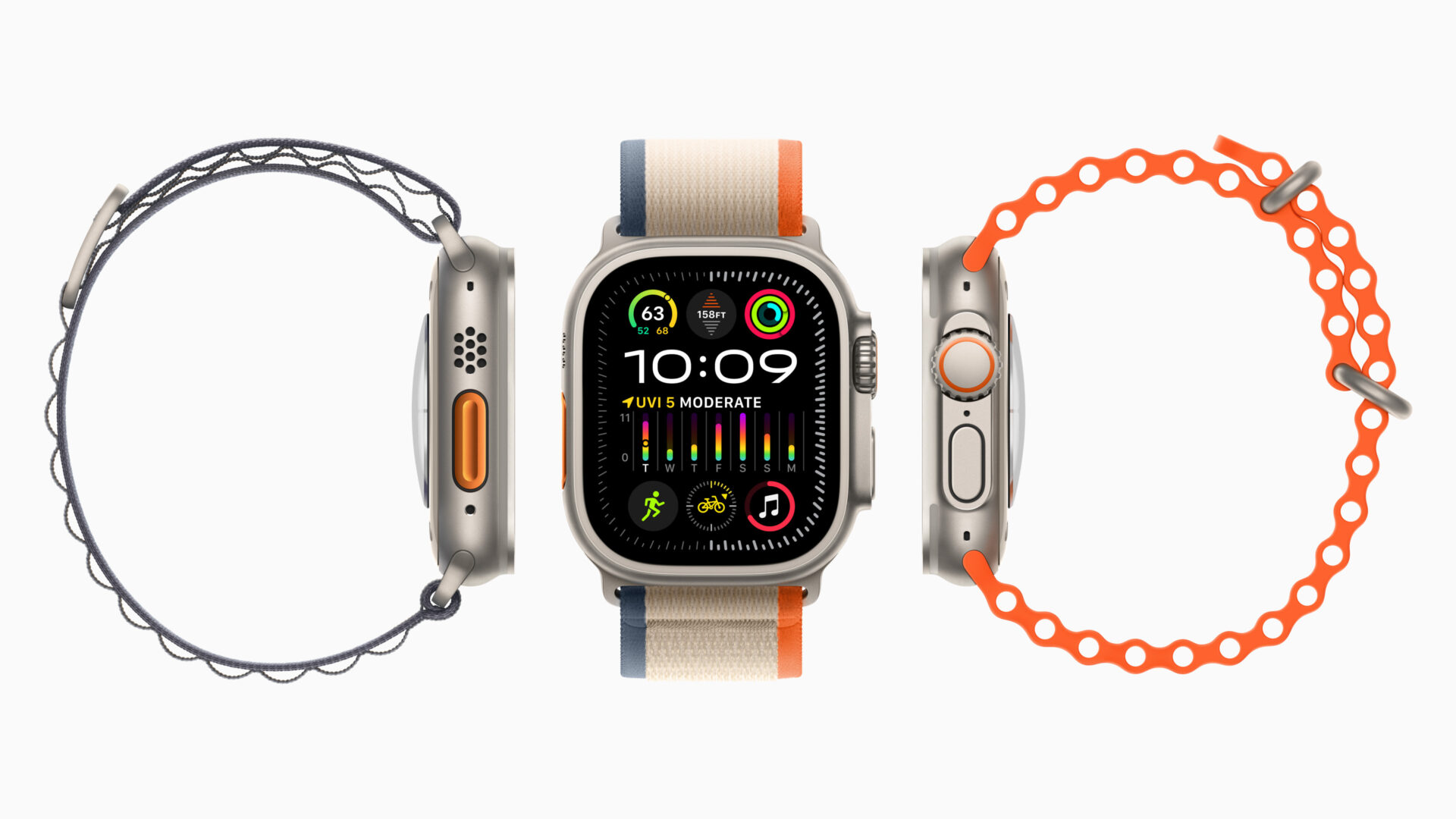

Well, the installation went well, except the final restart. The watch got stuck with the Apple symbol on while rebooting, so after about 20 minutes I forced it to reboot (both buttons pressed till the screen went dark) and the Apple logo than came back and it rebooted fine and is running fine now.
waiting a couple of days