Apple just released iOS 10.0.1 for the masses about an hour ago, and for some users (including ourselves), the over-the-air update caused our iPhone (6s Plus) to jump into recovery mode, showing the ‘plug into iTunes’ screen.
The fix is to plug your phone into iTunes (make sure you install the 12.5.1 update from today), where it’ll ask you to install the latest update and update to iOS 10.0.1.
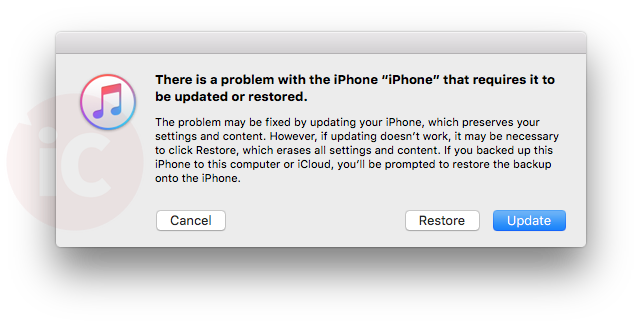
The following prompt appears once you plug in your iPhone to iTunes:
“There is a problem with the iPhone “iPhone” that requires it to be updated or restored.
The problem may be fixed by updating your iPhone, which preserves your settings and content. However, if updating doesn’t work, it may be necessary to click Restore, which erases all settings and content. If you backed up this iPhone to this computer or iCloud, you’ll be prompted to restore the backup onto the iPhone.”
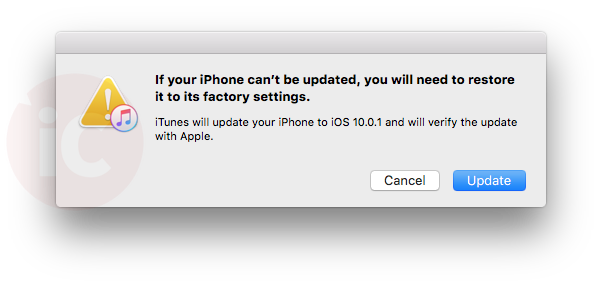
The next prompt reads “If your iPhone can’t be updated, you will need to restore to its factory settings.” and “iTunes will update your iPhone to iOS 10.0.1 and will verify the update with Apple.”

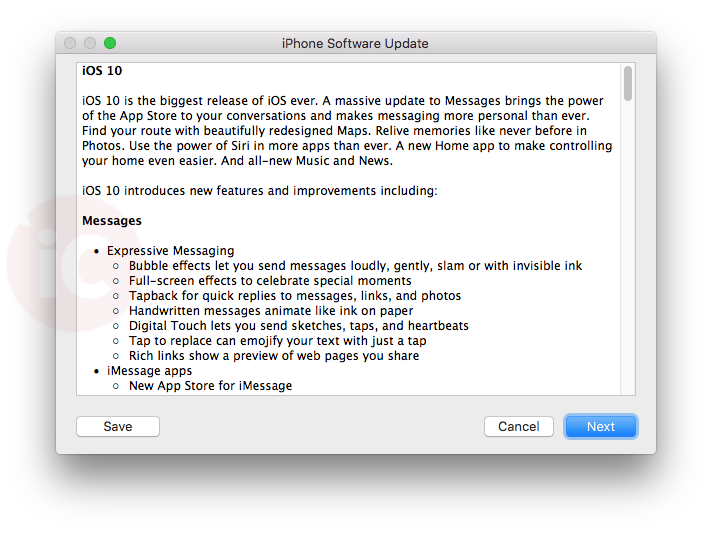
The next prompts guide you through iOS 10, and ask you to agree to terms before installing. It took some waiting with our iPhone 6s Plus while plugged in for iOS 10.0.1 to download. Once that finished, our iPhone started to update itself.

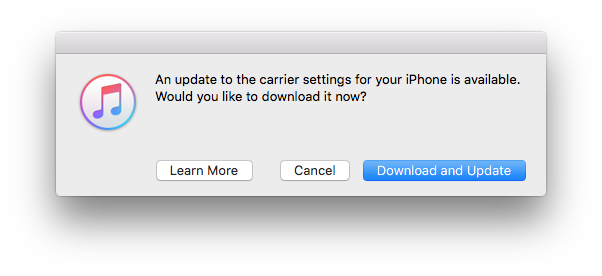
Our iPhone 6s Plus, after installing the update, saw a new carrier settings update appear, which many have told us it’s Rogers and Fido 25.1, which we can confirm:

After installing the update via iTunes, our iPhone 6s Plus successfully updated to iOS 10.0.1. We did not need to restore from a backup.
This iOS 10 update bug surely will frustrate those who are updating over Wi-Fi at work or elsewhere, and do not have their computers with iTunes nearby to fix it, leaving them without a usable iPhone or iPad.
Update: So after fixing our iPhone 6s Plus, iOS 10.0.1 was running REALLY SLOW…then suddenly, the phone went into a reboot loop. We are being forced to restore the phone via iTunes now. #fml
Update 2: Our device had to be completely restored, and is now installing an iCloud backup from last night.
Let us know how your iOS 10 over-the-air update goes and if iTunes fixed your ‘plug into iTunes’ screen.
…refresh for updates



yeah same thing happened to me. I’m betting Apple will have it fixed shortly if it’s not already for anyone doing an OTA now.
thanks for the post, you guys are fast. happened to me as well. working on update now.
Cheers. We are restoring our iPhone 6s Plus from an iCloud update. Luckily, we didn’t take any photos this morning otherwise we would have lost them!
You’re very found of the royal “we”, aren’t you.
Yes, we are!
same here, but iTunes cant see iPhone (6S). So I cannot update via iTunes either.
I have the same problem. Do you have a solution yet?
Iphone 6 OTA update worked perfect.
Hi, I just updated a 5S & had no issues. My carrier update is Koodo 25.1 … However, in the past – I have experienced the issues you outlined in the post; I was able to fix it via iTunes.
Carrier update here too. Virgin Mobile.
Had the same issue. I have restored back to 9.3.whatever. I thankfully did backup right before install so in 5 minutes more of restoring and I will try my hand at it again. Glutton for punishment i guess.
I was in the process of updating it from OTA on my iPhone 6 and found out about the issue during the process. I got worried but installed without issue. I guess I’m about of the lucky 1% successful.
Is Apple News available in Canada yet on iOS 10?
Nope.
I find that issue of Apple News app perplexing.
I wonder what are the reasons behind withholding it from the Canadian market?!
Is it regulatory issues, the bi-lingual language support, publishers restrictions?!
What do you think?
Maybe they’re trying to strike deals with the publishers in the markets where they launch to promote their contents etc.
It’s silly though, I’ve read many accounts of people who switched their phone’s region to activate the app, and it already works well, and is filled with Canadian content from CBC, the Globe and Mail, etc. All we’re waiting for really, is for Apple to hit the switch.
iPhone 6S Plus 128GB updated with no issue! Runs beautifully.
Updated an iPhone 6 Plus, iPhone 5S, iPhone 5, two iPads with no issues. Great job Apple this time!
Is it safe to update now ?…..Lol !!!!!
Yes!
This just happened to me, today. 12-15-17